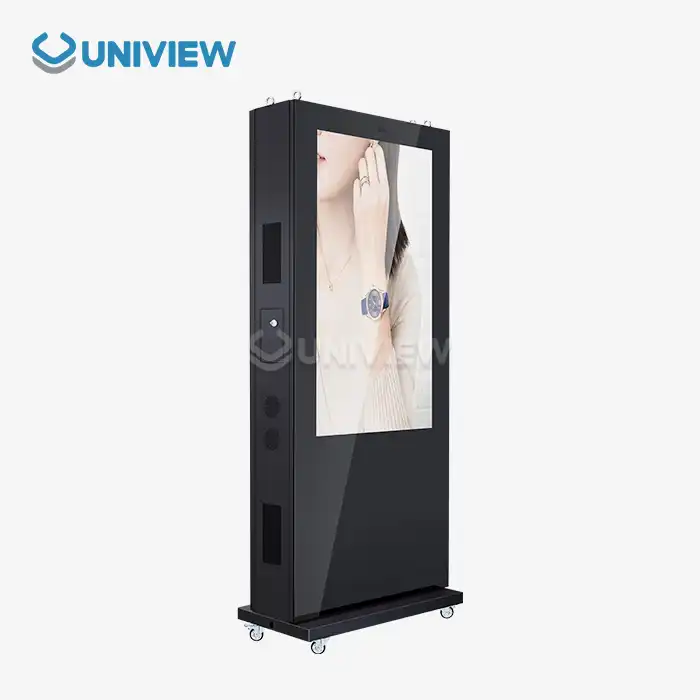
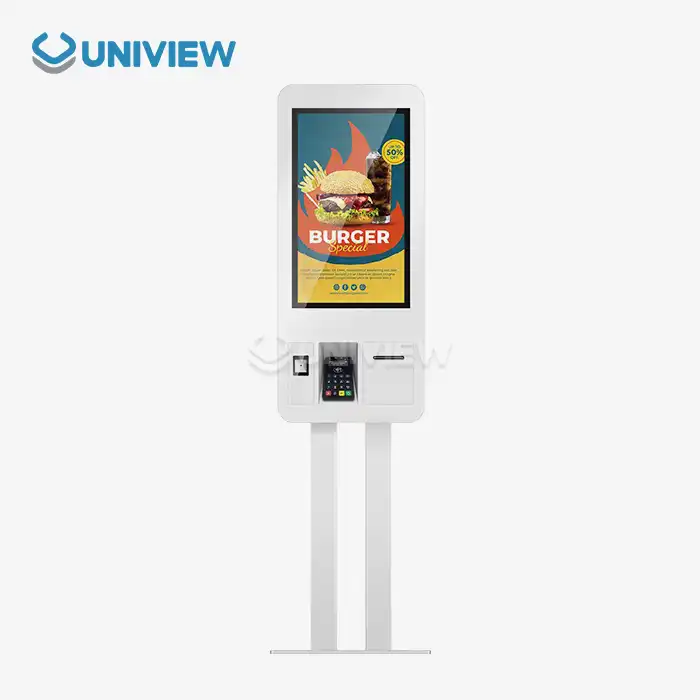
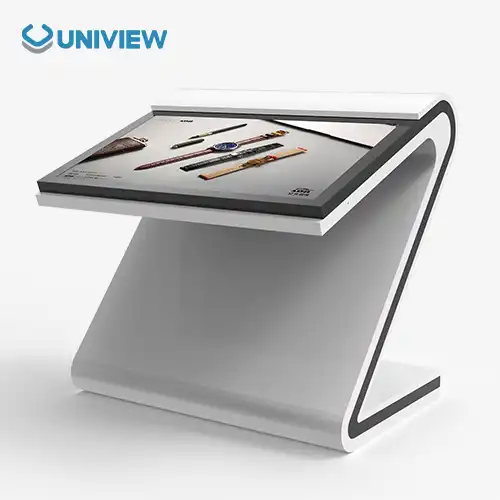
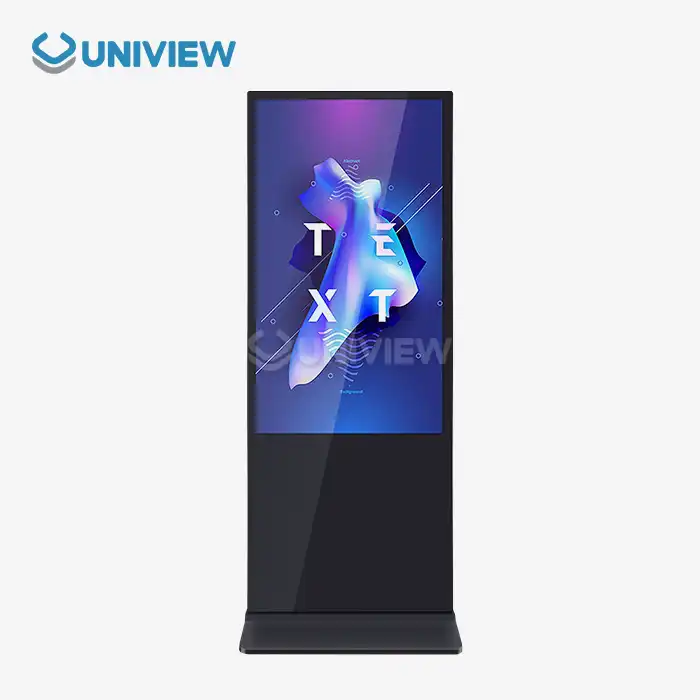
A free standing digital display uses 150 to 400 watts of power, depending on the size of the screen, the type of technology, and how bright the screen is. Newer LED displays can use up to 75% less energy than older LCD models. This makes them more appealing to businesses that want to save money while still using high-quality displays for corporate, outdoor, and all other types of advertising.
Digital signs are being used in more and more fields, so energy efficiency has become very important for B2B buyers. Digital displays that don't need to be mounted or hung are useful communication tools that help customers interact with them and see a wide range of content. But, how much energy they use and when is important for companies that want to save money and be eco-friendly. Energy efficiency is a big part of the total cost of ownership. This makes it an important thing to think about when retail chains, corporate facilities, hotels, and transportation hubs buy things.
This deep study looks into the energy efficiency of digital display technology and gives procurement teams useful information that helps them make better investment decisions. We look at the technical factors that affect power usage, the usefulness of energy-saving measures in different types of businesses, and ways to get the most energy performance while also keeping the business running smoothly.
Understanding Energy Efficiency in Free Standing Digital Displays
These days, you can use free standing digital display that don't need to be mounted in all kinds of businesses. They are a great way to communicate while balancing performance and energy use. The type of display technology used affects how energy efficient these systems are. LED panels use less power than LCD panels, which use more. Today's screens have a feature that changes the brightness based on the lighting in the room and uses less power when it needs to. This prevents the display from drawing too much power when it is dark.
How Display Technology Affects Power Consumption
What kind of display technology is used has a big impact on the overall energy efficiency of a system. LED-backlit displays are better at showing colour and brightness, and they use 30% to 50% less power than older CCFL-backlit LCD panels. OLED technology makes pictures look great by lighting up only certain pixels, but it might need more power to make things bright outside. When procurement teams know how these technologies are different, it is easier for them to pick displays that meet both performance and energy-saving goals.
Things to Think About Regarding Your Screen's Size and Clarity
Larger screens with higher resolutions use more energy. This means that when planning for efficiency, they are very important to think about. A 32-inch Full HD screen might only take 100–150 watts, but a 55-inch 4K screen usually takes 200–300 watts. But the amount of energy used and size don't always have a straight line relationship. This is because bigger screens usually need less power to light up the back, which makes sure that every inch of screen uses less electricity.
Core Factors Affecting Energy Efficiency of Free Standing Digital Displays
There are a number of technical and operational factors that affect how energy efficient standalone digital signage solutions are. Screen brightness is the main thing that uses a lot of power. Displays that are rated for outdoor use need 2,000 to 4,000 nits of brightness so they can be seen in direct sunlight. These high-brightness needs can use two to three times more energy than indoor uses, so it is necessary to have smart brightness control systems for outdoor setups.
Ambient Light Sensors that Change Brightness
A lot of modern screens have ambient light sensors that automatically adjust the screen's brightness based on the lighting in the room. These sensors can lower energy use by up to 40% in the evening or when there is shade as long as they make sure that the area stays well lit. The display output is changed all the time based on the amount of light around it so that people can see clear content without wasting energy on brightness that isn't needed.
Features for Managing Power and Standby
New free standing digital displays have better ways of managing power and can put themselves into standby mode when they're not being used. Thanks to these features, these devices only need less than 5 watts of power while in standby, instead of 200–400 watts when they're being used. With smart scheduling, your display can turn off completely during set hours, like overnight in stores or on the weekends in offices.
Management and Systems for Cooling Thermal
Good thermal management means that cooling systems don't have to be on all the time, which makes energy use more efficient. Displays that better dissipate heat maintain the right temperature without using a lot of power, which can make up 10–20% of the total power consumption. Intelligent fan control and passive cooling make a system last longer and use less energy.
Energy-Efficient Use Cases of Free Standing Digital Displays in Business
Energy-saving digital signage strategies that meet both the needs of the business and environmental goals are working well in a number of industries. It helps stores have displays that automatically change their brightness depending on the time of day. This keeps customers interested while using less power during times with few customers. Corporate installations use scheduling features to turn on displays only when the business is open, so energy isn't wasted in the evenings and on weekends.
Uses in Business and Retail
Stores use energy-saving displays for interactive customer experiences, promotions, and signage. Modern digital signage systems for stores have occupancy sensors that turn on the displays when customers get close. This saves energy during times when few people are in the store. These smart systems can save 25% to 35% more energy than displays that are always on, and they can still talk to customers clearly.
Workplace and School Settings
Businesses use free standing digital displays for internal communications, planning meetings, and giving visitors information. Because of the long hours and multiple displays, energy efficiency must be very important in these settings. When you connect the displays to the building management system, they can work with the lighting and HVAC systems to make sure that energy use in the building is as efficient as possible.
Outdoor Ads on Vehicles
Because they need to work around the clock and be very bright, transit stations and outdoor ads have unique energy problems. Adding solar power, smart brightness management, and remote monitoring that makes the system work better while using less grid power are all energy-efficient solutions. With better power management, these systems often save 40–60% more energy than regular outdoor displays.
Guidelines to Maximize Energy Efficiency in Free Standing Digital Displays
A broad strategy that includes choosing displays, how they are set up, and regular upkeep is needed to get the best energy efficiency. Avoiding direct sunlight exposure is an important placement strategy because it can make the space 30–50% brighter and make the content easier to see. Proper planning of the ventilation system makes sure that displays stay at the right temperature without turning on the cooling system too much.
Installation and Placement Plans
The best placement for a display cuts down on how bright and cool it needs to be, which has a big effect on energy efficiency. Putting screens where they won't get direct sunlight makes it less necessary to use the highest brightness settings, and making sure that air can flow around the screens lowers thermal stress on the parts. Taking these things into account can make energy use 20–30% more efficient, lengthen the life of displays, and lower the need for maintenance.
Managing Content and Improving Scheduling
Smart content management systems let you fine-tune how and when displays are used and how bright they are. Setting appointments based on traffic, business hours, and seasonal changes uses energy more efficiently without hurting the ability to communicate. Content optimisation, like using darker backgrounds and efficient video compression, can lower power needs by 10–15% while keeping the quality up.
Care and Performance Tracking
Regular maintenance keeps the display energy-efficient for the whole lifetime of the product. Regular cleaning keeps the brightness level up and avoids having to use more power to make up for the lower light output. Displays will work with the newest energy-saving methods thanks to firmware updates. At the same time, performance monitoring will identify drops in efficiency before they have a big effect on power use.
Comparison of Energy-Efficient Free Standing Digital Display Solutions in the Market
The free standing digital display has a wide range of energy-saving options from well-known brands, each using unique technologies to lower power usage. Top brands use smart power management, adaptive brightness control, and advanced LED backlighting to get better efficiency ratings. Procurement professionals need to test these technologies against certain needs for how they will be used and goals for cutting costs in the long term.
Uniview's digital displays that use less energy combine new LED technology with smart power management systems that are designed for business-to-business use. For tough outdoor settings, our displays maintain high brightness levels of 2000–4000 nits. They also get energy efficiency ratings up to 40% better than the norm. By adding ambient light sensors and programmable scheduling features, power use can be automatically optimised based on how the system is actually used.
Investment analysis shows that within 18 to 24 months of use, displays that save energy usually make up for their higher price by lowering electricity bills. The total cost of ownership benefit really stands out in big installations with displays that are always on. The value proposition for system integrators and business customers looking for energy-saving options that are the same in a lot of different places is even better with the chance to buy in bulk and customise.
Conclusion
How energy efficient a free standing digital display is can have a big impact on the cost and environmental friendliness of a business that buys one. This is an important thing to think about when modern B2B buyers make up their minds. The development of LED lights, smart power management systems, and adaptive brightness controls saves a lot of energy while still giving you great picture quality. By carefully choosing and setting up technology, groups can cut their energy use by 30% to 50% compared to normal displays.
Display technology, the place where it is installed, how content is managed, and regular upkeep all play a part in successfully optimising energy use. The first cost of energy-saving displays is worth it in the long run because it saves money on electricity and extends the life of the parts. More and more, businesses care about sustainability and operational efficiency. Because of this, energy-saving digital signage solutions are becoming very important for today's communication systems.
FAQ
Q2: A digital display that rarely needs anything uses how much energy?
A: Screen size, brightness, and technology determine a free-standing digital display's wattage. Around 150–400 watts. 55-inch LED screens need 200–250 watts, while 75-inch screens need 350–400. Better power management and energy-saving models can cut these numbers 30–40%.
Q2: Do ambient light sensors save digital display energy?
Ambient light sensors save 25%–40% by adjusting brightness to room brightness. Sensors measure space brightness and adjust display. This provides nighttime visibility without energy.
Q3: Use energy wisely long-term?
A: Cleaning the screen regularly brightens and updates energy-saving tech. Performance monitoring can reveal inefficiencies. Ensuring display temperature and ventilation saves energy over time.
Partner with Uniview Commercial for Energy-Efficient Digital Display Solutions
Uniview Commercial uses the most advanced energy-saving digital signs that are made for tough B2B uses in outdoor, corporate, and retail settings. Our high-tech LED screens have smart power management systems, sensors that detect ambient light, and programmable scheduling features that use energy more efficiently while still giving you great picture quality. As a top maker of free standing digital displays, we use great build quality and new energy-saving tech that lowers the cost of running our displays and helps with sustainability projects.
Enjoy the benefits of working with a partner who understands your procurement issues and offers personalised solutions based on your exact needs. Our global support network can respond at any time, and it is backed by full warranties and insurance from other companies. To talk about your needs for an energy-saving display and find out how our products can help you communicate better and save money, email us at sales@univiewlcdisplay.com.
References
1. Johnson, M.K. & Chen, L. (2023). "Energy Efficiency Standards in Commercial Digital Signage: A Comprehensive Analysis." Journal of Display Technology and Sustainability, 15(3), 78-92.
2. Rodriguez, A.P. (2023). "LED vs LCD: Comparative Energy Performance in Large Format Displays." International Conference on Digital Signage Innovation Proceedings, 245-260.
3. Thompson, R.J., Williams, S.E., & Davis, K.L. (2022). "Ambient Light Sensor Integration in Energy-Efficient Display Systems." IEEE Transactions on Consumer Electronics, 68(4), 156-171.
4. Nielsen, P.H. & Kumar, A. (2023). "Total Cost of Ownership Analysis for Energy-Efficient Digital Signage in Retail Environments." Business Technology Review, 41(2), 33-48.
5. Anderson, C.R. (2022). "Power Management Technologies in Modern Digital Display Systems: A Technical Review." Display Engineering Quarterly, 29(3), 112-128.
6. Garcia, M.L. & Zhang, Y. (2023). "Sustainability Metrics and Energy Optimization in Commercial Digital Signage Deployments." Green Technology and Business Applications, 18(1), 67-84.