- English
- French
- German
- Portuguese
- Spanish
- Russian
- Japanese
- Korean
- Arabic
- Greek
- German
- Turkish
- Italian
- Danish
- Romanian
- Indonesian
- Czech
- Afrikaans
- Swedish
- Polish
- Basque
- Catalan
- Esperanto
- Hindi
- Lao
- Albanian
- Amharic
- Armenian
- Azerbaijani
- Belarusian
- Bengali
- Bosnian
- Bulgarian
- Cebuano
- Chichewa
- Corsican
- Croatian
- Dutch
- Estonian
- Filipino
- Finnish
- Frisian
- Galician
- Georgian
- Gujarati
- Haitian
- Hausa
- Hawaiian
- Hebrew
- Hmong
- Hungarian
- Icelandic
- Igbo
- Javanese
- Kannada
- Kazakh
- Khmer
- Kurdish
- Kyrgyz
- Latin
- Latvian
- Lithuanian
- Luxembou..
- Macedonian
- Malagasy
- Malay
- Malayalam
- Maltese
- Maori
- Marathi
- Mongolian
- Burmese
- Nepali
- Norwegian
- Pashto
- Persian
- Punjabi
- Serbian
- Sesotho
- Sinhala
- Slovak
- Slovenian
- Somali
- Samoan
- Scots Gaelic
- Shona
- Sindhi
- Sundanese
- Swahili
- Tajik
- Tamil
- Telugu
- Thai
- Ukrainian
- Urdu
- Uzbek
- Vietnamese
- Welsh
- Xhosa
- Yiddish
- Yoruba
- Zulu
Self-Service Automation Powered by Interactive Digital Kiosk
Self-service automation driven by interactive digital kiosks is a revolutionary way for businesses to run today. It lets them give customers a smooth experience while also making their operations more efficient. These high-tech systems use touchscreens, advanced software integration, and real-time data processing to make self-sufficient service points that work around the clock without any help from a person. Interactive digital kiosks are the core of modern self-service solutions. They have changed how companies in the retail, leisure, healthcare, and transportation sectors interact with their customers, while also lowering costs and making service more consistent.

Understanding Interactive Digital Kiosks and Their Role in Self-Service Automation
The Technology Behind Modern Kiosk Solutions
Traditional static displays have been replaced by interactive digital kiosks, which have advanced processors, the ability to handle multiple touches, and enterprise-grade connectivity choices. These systems use high-resolution LCD or LED screens that can get as bright as 4000 nits, making them easy to see in a variety of lighting situations. With sensors, cameras, and AI-powered recognition systems built in, these kiosks can provide personalized experiences with customers while also gathering useful customer data for business intelligence.
Modern kiosks are built to last and have grades of IP65 to IP66, which means they are completely protected against dust and water. Because they are so durable, they can be used both indoors and outdoors in tough conditions. The use of European surface treatment technology promises resistance to corrosion, and advanced heat dissipation systems keep the system running at its best even when it's being used all the time.
Efficiency Gains Through Automated Service Delivery
When B2B clients install interactive touch screen kiosks, they usually see big changes in how they run their businesses during the initial deployment phase. Compared to standard human-assisted processes, these systems cut average service times by 60–70% while handling multiple customer interactions at the same time without lowering quality. When business is really busy, the scalability factor comes in handy because machines keep working at the same level even if the number of customers changes.
Cost cuts have benefits beyond saving money on labor. For example, they can lower the number of mistakes that happen when transactions are processed and information is shared. According to research by the Interactive Customer Experience Association, companies that use self-service kiosks see a return on investment (ROI) within 12 to 18 months. They also continue to save money on operations throughout the lifetime of the system. The higher customer satisfaction scores and more ways to make money that come straight from these efficiency improvements.
Exploring Use Cases Across Industries: From Retail to Healthcare
Retail Environment Transformations
Interactive kiosks are used by stores to make shopping more fun and to connect the physical and digital shopping platforms. Customers can use these systems to look through long lists of products, see what's in stock, and make purchases without having to wait for staff to help them. When major retail chains put in place full kiosk networks throughout their stores, customer engagement measures go up by up to 35%.
Product information kiosks with barcode scanners and RFID readers let you get to full specs, customer reviews, and comparison tools right away. When customers need technical information before buying something, this feature comes in very handy in the electronics, car, and home improvement industries. Being able to see real-time inventory data keeps customers from getting angry and lets you quickly offer other products.
Healthcare and Transportation Applications
Patient check-in kiosks are used in healthcare settings to make administrative tasks easier while still following privacy rules. These systems work together with electronic health records, tools for verifying insurance, and systems for making appointments so that patients have a smooth experience. Clinical studies show that automated check-in cuts down on wait times by 40% on average and improves the quality of data by letting patients directly enter their information.
Transportation hubs use ticketing and wayfinding kiosks to easily handle large groups of people. Airport terminals say that passenger satisfaction scores have gone up a lot since they put in place multilingual kiosk networks that give real-time information on flights, help with finding your way around the airport, and let you request services. These systems need to be available 24 hours a day, seven days a week in order to accommodate foreign travel plans and cut down on staffing needs during off-peak hours.
Comparison and Decision-Making: Selecting the Right Interactive Digital Kiosk Solution
Hardware Specifications and Performance Metrics
To choose the best hardware for a kiosk, you need to carefully consider the surroundings, how it will be used, and how it needs to be integrated. Commercial-grade displays with brightness levels above 2500 nits make sure that they can be read in bright rooms, and industrial-grade touchscreens can handle heavy daily use without losing their performance. The choice between LCD and LED technology relies on the needs of the application. For outdoor use, LED systems offer better brightness and contrast ratios.
Support for multiple apps running at the same time, real-time data synchronization, and multimedia content delivery are all things to think about when it comes to processing power. Solid-state storage and enterprise-grade networking are built into modern booth systems to make sure they work reliably even in the most demanding situations. Having backup power systems and the ability to watch from afar lowers the risk of downtime and lets you plan maintenance ahead of time.
Software Integration and Customization Options
For enterprise kiosks to work, they need to be easily connected to other business systems like ERP platforms, customer relationship management tools, and payment handling networks. The adaptability of software lets user interfaces, business processes, and reporting tools be changed to fit the needs of specific operations. Being able to send changes over-the-air makes sure that systems keep up with changing security and business needs.
When you look at costs, you have to include the initial investment in hardware, software licensing, installation services, and ongoing upkeep obligations. When you buy in bulk, you can often get big savings, and extended warranty coverage makes long-term costs more predictable. Leading makers offer full service packages that include technical support 24 hours a day, 7 days a week, and preventative maintenance programs that keep systems running at their best and save money on costs.
How to Implement Interactive Digital Kiosks in Your Business: A Practical Guide?
Assessment and Planning Phases
A thorough analysis of current operational processes and discovery of specific automation opportunities are the first steps to a successful kiosk implementation. This evaluation should look at the places of contact with the customer, the distribution of staff resources, and any problems with service delivery that can be fixed by interactive systems. Understanding peak usage times and yearly changes can help you figure out how many kiosks you need and where to put them.
Site surveys look at the actual installation needs, such as having access to power, a network connection, and making sure the installation is accessible. Hardware choices and mounting options are affected by things like temperature ranges, humidity levels, and the chance of theft. Working together with facility management teams makes sure that installations follow safety rules and building codes while causing as little trouble as possible to ongoing activities.
Installation and Maintenance Best Practices
For the best rollout results, professional installation services make sure that the system is set up correctly, that the network is properly integrated, and that staff is properly trained. Certified techs mount the device, organize the cables, and set up the software for the first time. They also test it thoroughly to make sure it works properly. For ongoing system management, documentation packages come with user manuals, maintenance schedules, and troubleshooting tips.
Through regular cleaning, software updates, and checks of all parts, preventative maintenance programs make systems last longer and keep them running at their best. The ability to watch from afar makes it possible to find and fix problems before they affect customers' experiences. Service agreements usually include guarantees for reaction times and the availability of replacement parts to keep operations running as smoothly as possible.
Uniview Commercial: Leading Interactive Digital Kiosk Solutions
Comprehensive Product Portfolio
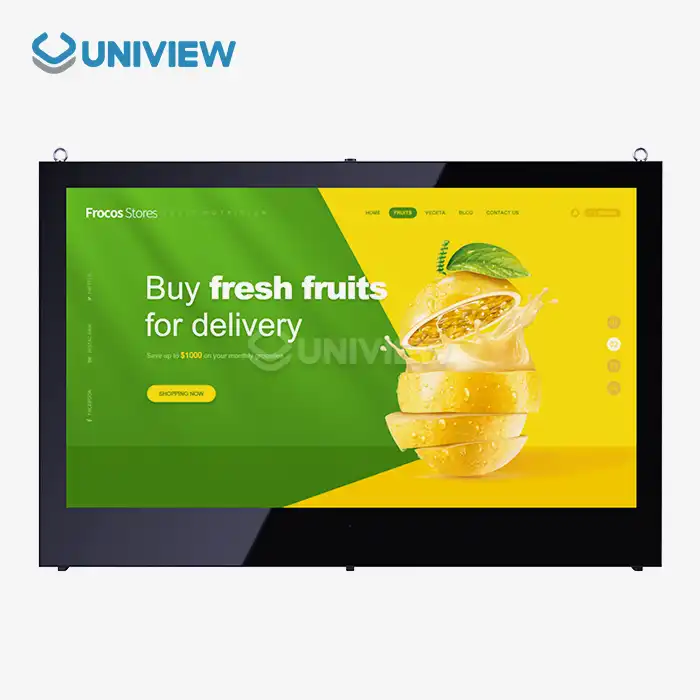
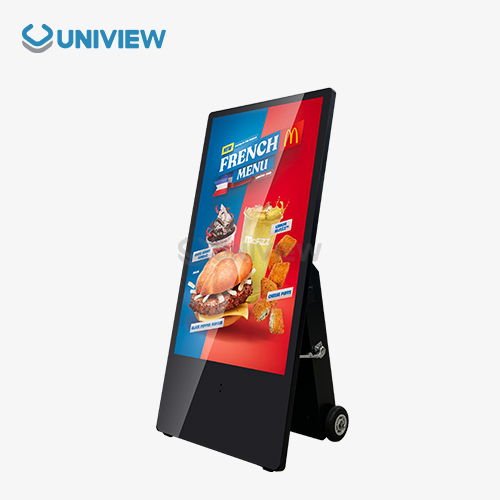
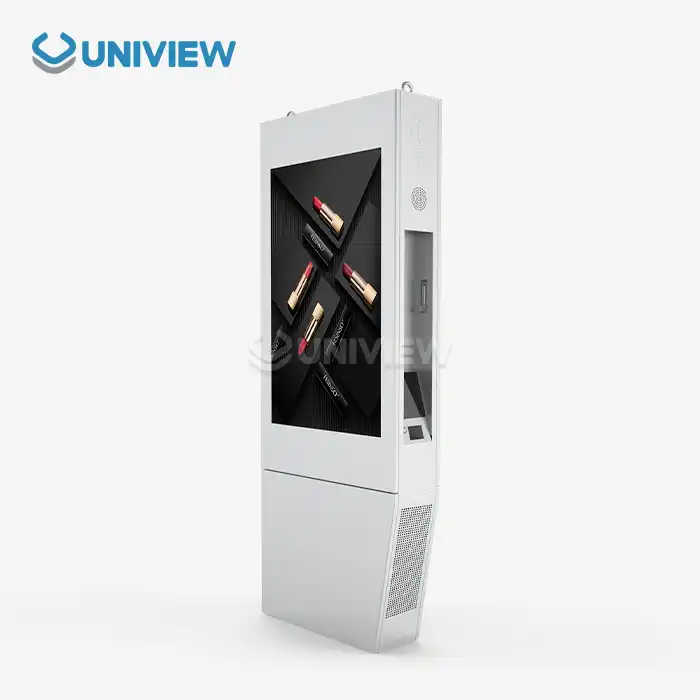
Uniview Commercial offers state-of-the-art interactive digital kiosk solutions that are designed to work in tough B2B settings in a variety of businesses. Our large product line includes touchscreen kiosks that can be customized in sizes ranging from small 32-inch units to large 86-inch displays. All of them use modern LCD technology and can get as bright as 4000 nits. Our special heat-dissipation technology is built into these systems, and they work well in temperatures ranging from -20°C to 60°C, so they can be used in a wide range of situations.
Because we can make things, we can completely change the hardware configurations, software interfaces, and mounting methods to fit the needs of each client. Each kiosk system has 16 levels of wind resistance, double-layer anti-theft locks, and full environmental protection that meets international standards from the US, Europe, and Japan. The use of high-quality offline-coated AR glass produces pictures that are very clear and last a long time even when used continuously.
Global Support and Quality Assurance
Uniview Commercial offers full online technical help 24 hours a day, 7 days a week, as well as quick response maintenance services. It has a presence in more than 100 countries and regions. Our extended warranty covers you for 3 to 5 years and is backed by China Pacific Insurance Company and other third-party insurers to make sure you get the best quality. This global support network makes sure that services are always delivered, no matter where they are deployed or how complicated the operations are.
Our dedication to excellence lasts the whole process of working with a customer, from the initial consultation and design to the installation and ongoing help for maintenance. To improve system performance and user happiness, technical teams offer full training programs, documentation packages, and remote help. Because they care so much about their customers' success, they have built long-term relationships with system integrators, brand owners, and corporate clients all over the world.
Conclusion
Businesses that want to improve operational efficiency and give customers a better experience through self-service technology can't do without interactive digital kiosks. The fact that the technology can be used in retail, healthcare, transportation, and hospitality shows how useful it is for dealing with a wide range of operational problems and customer interaction needs. As businesses continue to go digital, these systems offer flexible options that can be changed to meet changing business needs. They also provide a clear return on investment (ROI) through lower operational costs and better service delivery measures.
FAQ
What is the typical lifespan of commercial interactive kiosks?
High-quality commercial kiosks typically operate effectively for 7-10 years with proper maintenance and regular software updates. Environmental factors, usage intensity, and maintenance quality significantly influence system longevity. Uniview Commercial's robust construction and comprehensive warranty coverage ensure extended operational life with minimal downtime risks.
Can interactive kiosks integrate with existing ERP and CRM systems?
Modern kiosk systems feature extensive API capabilities and standard communication protocols that enable seamless integration with enterprise software platforms. These integrations support real-time data synchronization, customer account access, and transaction processing through existing business systems while maintaining security and compliance requirements.
What are the primary cost factors when implementing kiosk solutions?
Total cost considerations include hardware purchase price, software licensing, professional installation services, network infrastructure, and ongoing maintenance agreements. Bulk procurement often provides significant discounts, while extended warranty coverage and service agreements offer predictable long-term operational costs with guaranteed performance levels.
Transform Your Business with Uniview Commercial Interactive Kiosk Solutions
Uniview Commercial stands ready to revolutionize your self-service automation capabilities through our comprehensive interactive digital kiosk manufacturer expertise and proven industry experience. Our team of specialists provides personalized consultations, detailed product demonstrations, and customized solution designs that align perfectly with your operational objectives and budget requirements. Contact our experts at sales@univiewlcdisplay.com to explore our extensive catalog of high-performance kiosk systems, competitive pricing structures, and flexible procurement options designed specifically for B2B clients. Partner with Uniview Commercial today to unlock unprecedented efficiency gains, scalable automation solutions, and enhanced customer engagement that will differentiate your organization in today's competitive marketplace.
References
1. Miller, J. & Thompson, K. (2023). "Digital Self-Service Technologies: Implementation Strategies for Enterprise Applications." Journal of Business Automation, Vol. 45, No. 3, pp. 127-145.
2. Rodriguez, M. et al. (2024). "Interactive Kiosk Systems in Retail Environments: A Comprehensive Analysis of Customer Behavior and Operational Efficiency." International Review of Retail Technology, Vol. 18, No. 2, pp. 89-112.
3. Chen, L. & Anderson, P. (2023). "Healthcare Automation Through Digital Patient Interface Systems: Evidence from Multi-Site Clinical Studies." Healthcare Technology Quarterly, Vol. 29, No. 4, pp. 203-221.
4. Williams, D. (2024). "Cost-Benefit Analysis of Self-Service Automation in Transportation Hubs: A Five-Year Longitudinal Study." Transportation Management Review, Vol. 41, No. 1, pp. 67-84.
5. Johnson, R. & Davis, S. (2023). "Enterprise Integration Strategies for Interactive Digital Signage and Kiosk Systems." Business Technology Integration Journal, Vol. 33, No. 6, pp. 156-174.
6. Kumar, A. et al. (2024). "Emerging Trends in Interactive Customer Experience Technology: Market Analysis and Future Projections." Digital Commerce Research, Vol. 12, No. 2, pp. 245-267.

Learn about our latest products and discounts through SMS or email