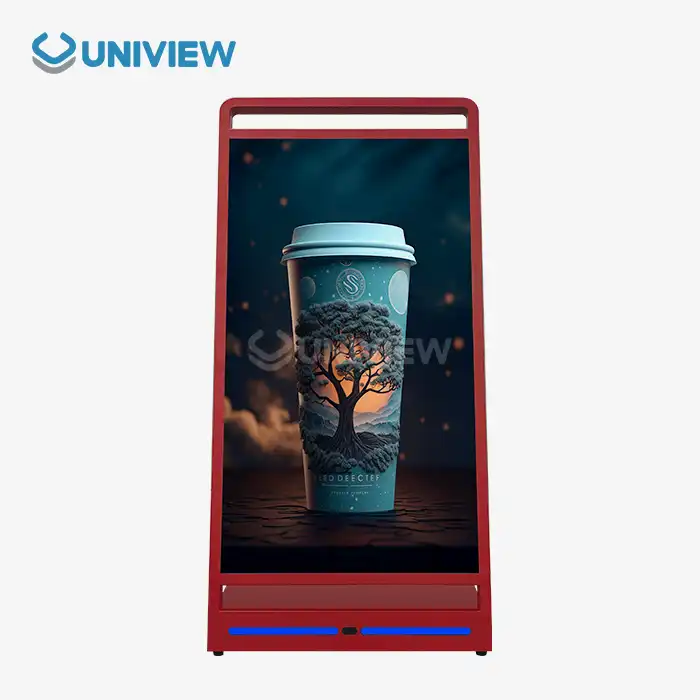
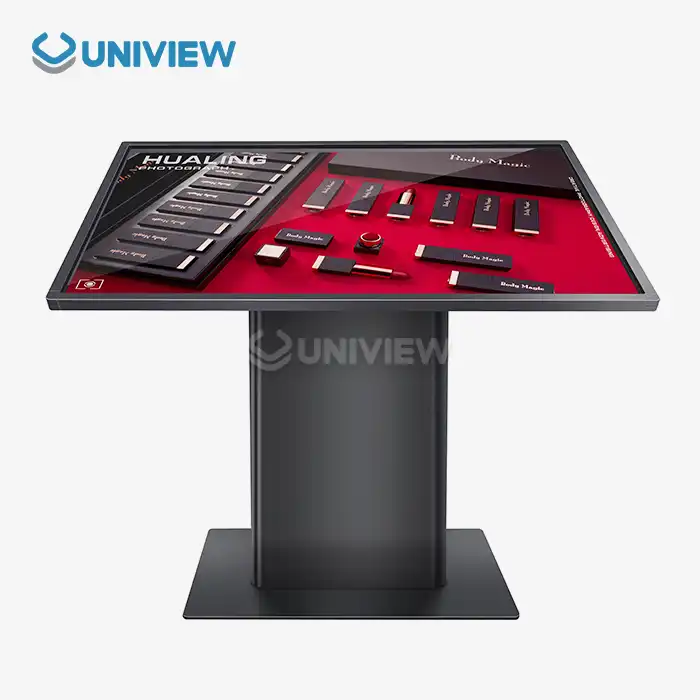
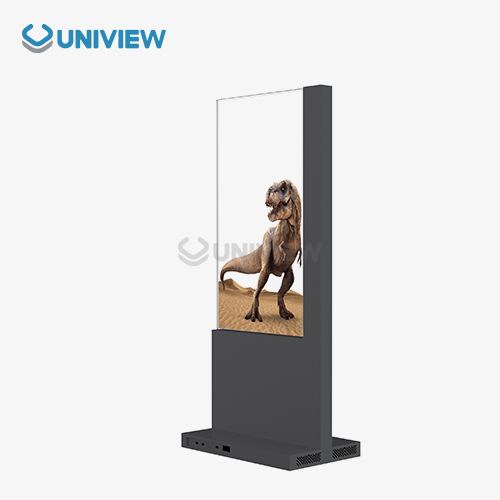
Self-service Terminal User Experience Design Principles are the planned methods for making digital interfaces that are easy to use, accessible, and quick so that people can complete tasks on their own. These ideas help procurement experts choose terminals that make users happier and lower the cost of doing business. These days, retail and hospitality businesses that want to better engage customers and simplify their operations must use well-designed self-service kiosks. This can be done through smart interface design and strong hardware integration.
Understanding Self-service Terminals and Their User Experience
Self-service terminals are advanced electronic kiosks that let people do transactions, get information, and complete other tasks without needing help from staff. These systems bring together high-tech parts like high-res touch screens, safe payment processors, and network connectivity modules to provide smooth interactive experiences in both business and retail settings.
Core Parts and Tech Structure
Self-service kiosks today are based on hardware and software that work together in a planned way. The display technology usually uses LCD or LED screens of industrial quality with brightness levels of 2000 to 4000 nits. This makes sure that they can be seen clearly in a wide range of lighting conditions. When they use encrypted network protocols to keep connections safe with backend systems, processing units are able to manage data transactions in real time.
Long-lasting protection against the elements is still the most important thing for outdoor deployments. Premium terminals come with corrosion-resistant coatings and can withstand wind speeds of up to 16 levels. They also have an IP65 to IP66 rating for water and dust protection. These standards make sure that places like airports, shopping malls, and hotels where users have to interact with the system a lot will always work right.
How to Tell Kiosks and Interactive Terminals Apart
Even though "kiosk" and "interactive terminal" seem like they mean the same thing, they have different features and are used in different ways. Information kiosks are mostly used to consume content, but transactional terminals are used for more complicated tasks like managing accounts, making payments, and customising services. Understanding these differences helps procurement managers choose the right solutions that fit the needs of the business and the goals for user engagement.
Key Design Principles for Optimizing Self-service Terminal User Experience
Self-service kiosks work best when they are following basic rules that focus on security, simplicity, accessibility, and making sure that technology works well with everything else. These core parts work together to make sure that the interfaces they build can be used by many different people and that they keep working well.
Intuitive Navigation and Visual Hierarchy
Good terminal interfaces have clear layers that help people complete a task without making them think too much. Navigation tools use consistent icons, simplify data, and react to what the user does. Users who have vision problems can still see them. These are colour schemes that work with different types of lighting.
Screen layouts create the best touch targets. They set the smallest size to 44 pixels most of the time so that everyone can use them easily. Using whitespace strategically makes the page look cleaner, and big buttons with clear calls to action help people make quick decisions.
Inclusive Design and Accessibility Standards
These days, self-service kiosks have to be able to work for people who have a lot of different kinds of abilities, language preferences, and levels of comfort with technology. Following accessibility guidelines adds features like audio cues, the option to change text size, and additional data entry methods to ensure individuals with hearing, vision, or mobility challenges can use it as well.
When you design the interface for your app or software, you should remember that people from different cultures may use it in different ways, even though multilingual support lets people from all over the world use it. By using these open-minded strategies, the company makes its service available to more people and shows that it wants to treat all customers fairly.
Putting together user trust and security
To get the right balance between user comfort and security, people must carefully think about how to set up data protection and authentication. Biometric readers, payment processing that uses encryption, and session management that protects private data are all ways to make sure that interactions keep going smoothly.
Visual security tools make people feel good about the safety of their transactions without making them worry about losing data. When privacy policies are clear and data handling practices are open, users feel better about the service.
Comparing Design Approaches Across Leading Self-service Terminal Brands
The companies that lead the market in making self-service terminals use different design methods that are based on different goals for making the user experience better. Procurement professionals need to know these methods so they can figure out which solutions are best for their budget and operational needs.
Different Ways of Thinking About Hardware Design
NCR and other early companies in the field stress the importance of modular hardware designs that make it easier to update things in the future while keeping user interfaces the same. Their terminals are well-built, good for busy places, and easy to take apart for maintenance. In their design specifications, touchscreen responsiveness and display quality are very important.
Toshiba focusses on small devices that do as much as possible in situations where space is limited. Their method focusses on conserving energy and operating quietly. Even in difficult outdoor settings, it keeps the noise level around 60 dB. This design idea works well in places like hotels and offices where it's important to control background noise.
Software's Ability to Be Customised
Flexible software makes it possible for terminals to adjust to different types of business tasks and branding needs. Top developers offer frameworks for custom applications that don't affect system stability or security.
Businesses that implement self-service solutions look at long-term value in terms of how well they can be integrated with existing company systems like customer relationship platforms, inventory management, and analytics tools. APIs and middleware make it easy for data to move between terminals and backend systems without any issues.
Things to think about when it comes to total cost of ownership
Pricing models differ a lot from one maker to the next, showing that they offer different kinds of value in terms of how long their hardware lasts, what features they have, and how they help customers. Premium products are worth the higher up-front cost because they come with longer warranty periods, extensive maintenance plans, and records showing they are reliable.
Leases are another way to get something that shares the cost over the time it will be used, while also offering ways to upgrade and get technical support. These choices are especially good for companies that are trying out self-service systems with small groups of people to see how well they work before using them on a larger scale.
Best Practices for Implementing and Maintaining Self-service Terminals to Maximize User Satisfaction
Choosing the right hardware isn't the only thing that matters for terminal deployment to go well. It also means planning, training people, and making sure that terminals are always working right. These ways of doing things will always give users the same experience, and the investment will make as much money as possible.
Site Assessment and Planned Placement
It works and is used in very different ways depending on the place you pick. Self-service is most effective in places where people can see well, feel comfortable, and cameras are in place as they move through. Wheelchair access, clear sight lines, and being close to help when needed are some of the things that make a place easy to get to.
Direct sunlight, changes in temperature and humidity, and how hardware should be installed can all be affected by hardware. A correct evaluation helps equipment last longer, protects the environment, and stops performance issues.
Changes and Deep Learning
Training programmes for staff make sure that frontline workers can help users with basic troubleshooting and maintenance. The training modules teach you how to help users, get around the system, and quickly get help with tech problems.
When new users start using the system, you could show them how to do things, give them printed guides, or use progressive disclosure methods that introduce more advanced features over time. At first, these methods make people less scared and more interested in all the things they can do with the terminal.
Maintenance Schedules and Monitoring Performance
Preventative maintenance protocols make sure that systems keep working well and don't break down unexpectedly, which annoys users and interrupts business. Before issues impact the service, people can find them by frequently cleaning, updating software, and checking hardware.
Performance analytics show you the problems and behaviours of people who use your app or website. They also show you how to make things better. We get feedback about how people think things should be used, not how they actually used them. This helps us keep improving the interface, the way content is organised, and the list of which features it is most important to have.
About Uniview Commercia — Trusted Self-service Terminal Supplier
Uniview Commercial has a lot of experience helping businesses buy digital signs and interactive terminals that are customisable, reliable, and easy to scale. Our selection of high-tech LCD displays works in a variety of business settings, and you can count on quick technical help and service anywhere in the world.
High Standards and New Technology
The specifications of our self-service terminal displays are cutting-edge, and they meet the needs of a difficult work environment. For the best visibility both indoors and outdoors, use high-brightness panels with 2000 to 4000 nits. Also, IP55 to IP65 ratings will make sure that the panels work well even in tough conditions.
Quality assurance includes thorough testing that makes sure the work meets global standards from Europe, the US, and Japan. Some of the more advanced features are reliable systems that keep the heat from building up, AR glass coating that reduces glare for super-clear picture quality, and operation that doesn't make noise (only 60 dB) even when it's installed outside.
Ability to customise and integrate
We offer custom solutions that are based on how our clients want their business to run because we know that every client has their own needs. Our engineering team works closely with procurement experts to come up with terminal setups that work well with current systems, make things easier for users, and improve overall efficiency.
Double-layer anti-theft locks and European surface treatment technology for corrosion resistance are examples of security features. China Pacific Insurance Company offers an extended warranty of 3 to 5 years, global online support 24 hours a day, and full quality coverage. This helps our business partners feel safe in the long term.
Conclusion
Self-service terminal user experience design must carefully balance how well the technology can do things, how easy it is for people to use, and how well it can do its job. Success depends on knowing basic design rules, looking at how manufacturers do things, and making sure that users are happy with the business goals when putting the plan into action. Using high-tech screens, security features, and customisable interfaces makes solutions that get people more interested and lowers the cost of doing business. When chosen carefully and used correctly, self-service terminals can help businesses grow and gain an edge in today's digital market.
FAQ
Q: What should I consider when choosing self-service kiosks for my business?
A: The touchscreen should respond quickly and be bright enough for your location. (IP65/66 outdoors) Check the warranty and environmental ratings. Make sure it works with your systems and that you can get technical support when needed. Consider the total cost of ownership, including maintenance, software updates, and the possibility of change.
Q: Do security features affect self-service kiosk use?
A: Today, security improves user experience. It's easy to prove your identity, there are trust signals, and the data is safely stored without user intervention. A good safety plan keeps everything running. It protects personal data and keeps intruders out.
Q: Can business software users use self-service kiosks?
Today's terminals can connect via APIs, middleware, and custom development frameworks. Analytics, payments, customer relationships, inventory, and other business areas can be integrated using tools. This will help the company make better decisions and simplify service use.
Partner with Uniview Commercial for Superior Self-service Terminal Solutions
Are you ready to use the best interactive display technology in your industry to change how your customers experience your business? Uniview Commercial's speciality is providing complete self-service terminal solutions that use cutting-edge LCD and LED technology and feature great user interface design. Our global manufacturing experience means you can count on getting bright displays with IP65 environmental protection and a long warranty. Our engineers can make custom touchscreen interfaces for stores or strong outdoor terminals for transportation hubs. We also offer global support 24 hours a day. Get in touch with the team at our self-service terminal company today to learn about our new display technologies and how they can help you run your business more efficiently and make your customers happier. Emailing us at sales@univiewlcdisplay.com will allow you to talk about your needs and get tailored advice.
References
1. Johnson, M. and Chen, L. (2023). "Interactive Kiosk Design: Human-Computer Interaction Principles for Self-Service Technologies." Journal of Digital Interface Design, 15(3), 45-62.
2. Rodriguez, P., Kim, S., and Thompson, R. (2022). "Accessibility Standards in Self-Service Terminal Implementation: A Comprehensive Analysis." International Conference on Inclusive Technology Design Proceedings, 234-251.
3. Williams, A. and Patel, N. (2023). "Comparative Analysis of User Experience Design Methodologies in Commercial Self-Service Systems." Technology and User Experience Quarterly, 8(2), 112-128.
4. Zhang, Q., Anderson, K., and Mueller, D. (2022). "Security Integration Strategies for Public Self-Service Terminals: Balancing Protection and Usability." Cybersecurity and Interface Design Review, 12(4), 89-105.
5. Brown, T., Lee, H., and Garcia, M. (2023). "Environmental Considerations in Outdoor Self-Service Terminal Deployment: Hardware Specifications and Performance Analysis." Industrial Electronics and Design Journal, 29(7), 178-194.
6. Foster, J., Wang, X., and O'Brien, C. (2022). "Total Cost of Ownership Models for Enterprise Self-Service Terminal Procurement: A Strategic Analysis." Business Technology Investment Review, 18(5), 67-83.