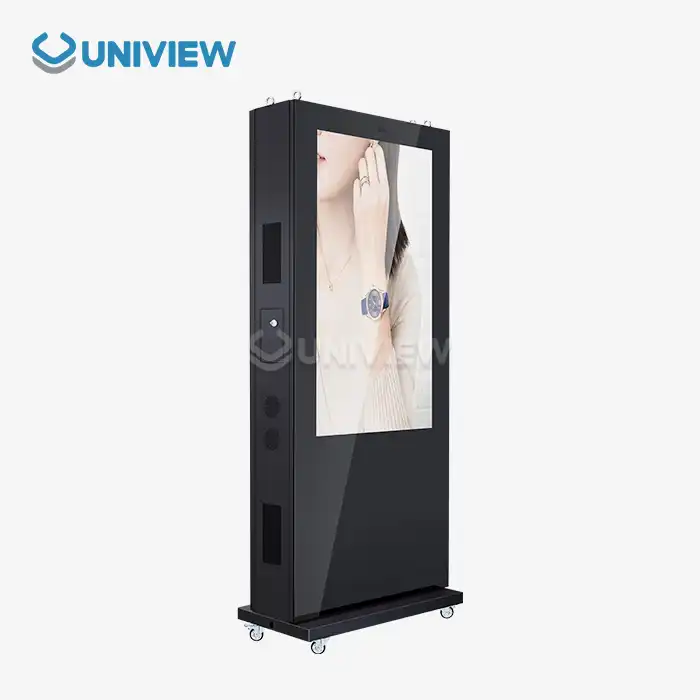
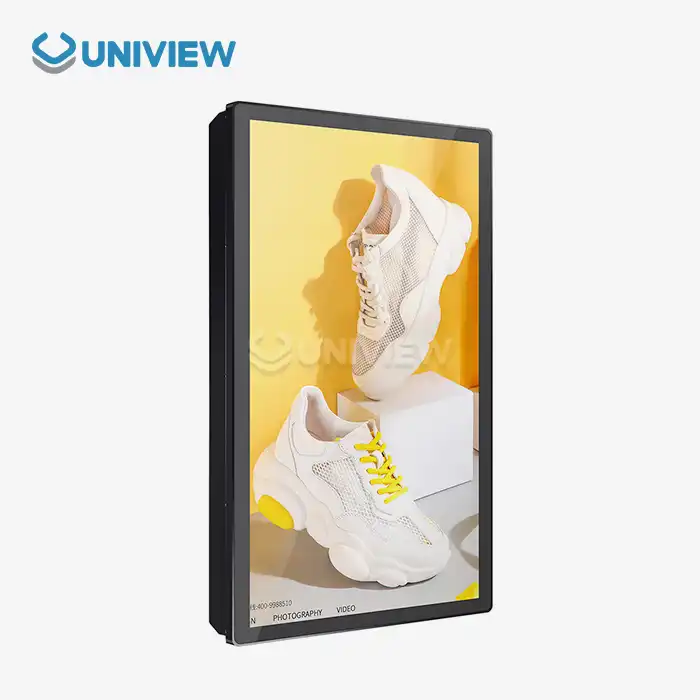
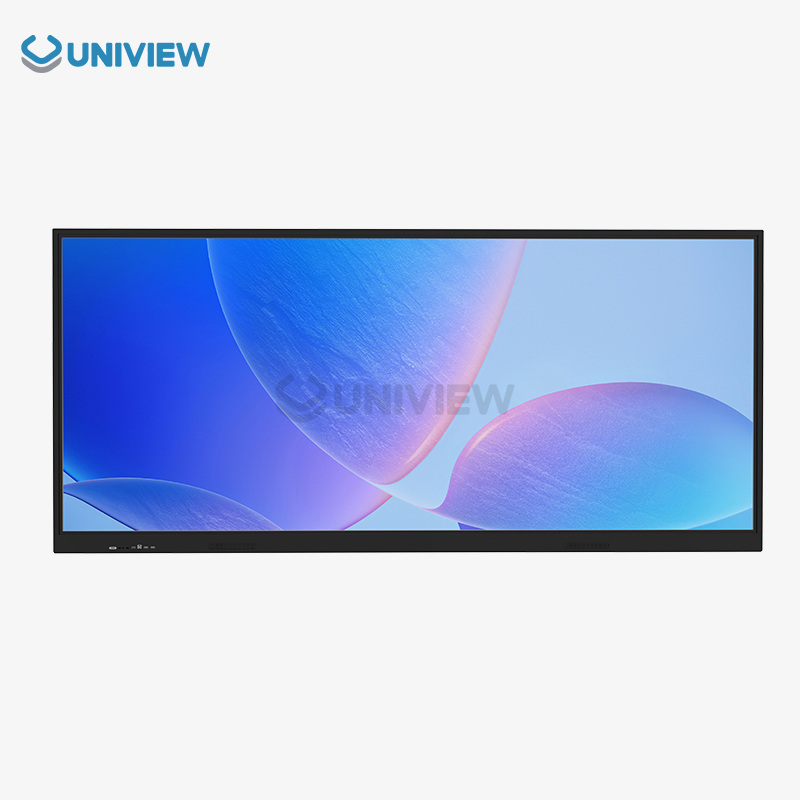
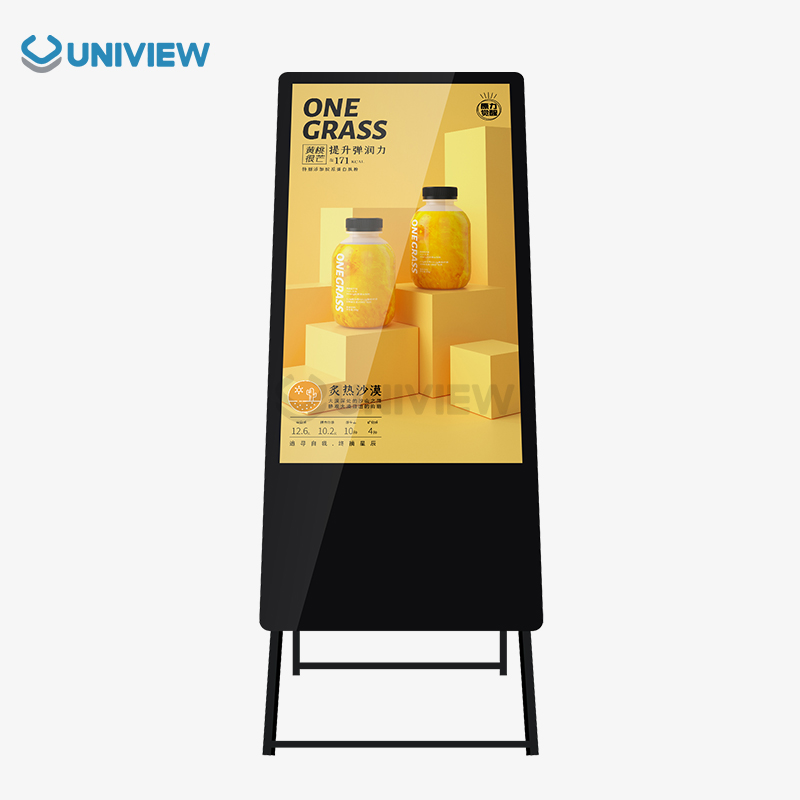
Wall mounted digital signage need different levels of brightness depending on how, where, and why you're watching them.needs.gns can vary greatly. Indoor digital displays typically need 300-700 nits of brightness, while outdoor installations require 2000-4000 nits to maintain visibility in direct sunlight. Choosing the right level of brightness makes sure that the viewers are most When people are engaged, the message is clearest, and the energy use is lowest. Understanding these needs helps companies pick the best wall-mounted digital signs that have the most effect while also being cheap and reliable in a range of situations.
Introduction
Wall mounted digital signage is very important for modern communication because it provides changing visual information in a variety of settings, including stores, offices, hotels, airports, and outdoor advertising. With instant content updates and interactive experiences, these multi-purpose screens have changed how businesses communicate with customers, staff, and guests.
One important thing that affects how well these displays work and how visible they are, is brightness. It has a direct effect on how well people can see messages in different types of lighting. When the brightness is too low, even the most interesting content can't be seen, which is a waste of money. But, too much brightness can be bad for your eyes, use more energy, and make the display wear out faster.
People who are professional buyers, system integrators, engineers, distributors, or OEM clients need to know about brightness requirements so that the right choices are made in all kinds of settings, like business, retail, or industrial. This guide helps people all over the world get better deals and run their businesses more smoothly. It discusses the technical meanings of brightness, how the environment can change things, the best ways to set up tools, and examples of how to use them in real life.
Understanding Wall Mounted Digital Signage Brightness
Technical Ways to Measure Brightness
Nits (cd/m²) measures a screen's brightness by measuring the amount of light it emits per square metre. No matter what company makes the screen, this way of measuring lets us put all kinds of screens side by side. Procurement teams can avoid personal bias and make good choices based on measurable performance indicators when they understand nits.
Setting the brightness right isn't just about being able to see. How well an image or block of text stands out from the background is directly affected by brightness. This can change how interested people are, how well they remember the message, and how well the communication works in general. According to research, screens with the right brightness get up to 40% more attention than screens with the wrong brightness.
Standards for Brightness Indoors and Outdoors
When you use it inside or outside, the amount of brightness that is normal changes a lot. In a lot of different areas, the best amount of brightness can change a lot depending on where you are. For indoor setups, anywhere from 300 to 700 nits usually works well. Outdoor displays need at least 2500 nits to be able to handle direct sunlight.
Correct brightness calibration is very important because it gives you the best picture quality, saves energy, and makes parts last a long time. Modern digital signage systems come with automatic brightness sensors that change the display depending on how bright the room is. This makes sure they always work right, no matter how bright it is where they are. It also makes sure that very little energy is used.
Key Factors Influencing Brightness Requirements
Area Lighting
Most of a wall mounted digital signage display's brightness depends on its surroundings. Displays must be brighter in places with lots of LED or fluorescent lights, like corporate conference rooms or poorly lit restaurants. Learn how to brighten every room with a professional lighting evaluation.
Daytime light changes make it harder to adjust to brightness. Windows, skylights, and glass walls change room light. This is why we need bright-adaptive systems. Screens with light sensors are newer. These sensors maintain screen brightness for visibility. They also restrict nighttime power use.
Screen Size and Distance: Important Considerations
Different brightness levels at different distances and screens are needed to display content properly. On larger screens or remote-watching setups, higher nit levels are needed to read content clearly. If you follow ergonomic guidelines for screen size, distance, and brightness, people can watch comfortably.
How bright should my screen be? It also depends on content and presentation. High-contrast dynamic videos with fast scene changes must be bright to maintain visual impact. Bright, high-contrast static info displays keep text and graphics clear over time.
How to Choose the Right Brightness Level for Your Wall Mounted Digital Signage?
Environmental Assessment Method
Choosing the right brightness levels starts with a full study of the space's general lighting and how people usually move through it. To figure out how much light is needed, professional site surveys record changes in light levels during all hours of operation with properly set up measuring tools. This method makes sure that the requirements for brightness are based on real-life conditions instead of ideas that haven't been tested.
Identifying core use cases makes the brightness specifications even more exact. To stand out from the other things people can see, store promotional displays need to be very bright. On the other hand, corporate informational displays focus on making it easy for people to read them for a long time. Industrial safety signs need to be highly visible even when lighting conditions are poor so that important information gets to workers.
Choosing Technology and Getting the Best Performance
Looking at different types of screens, like LED, LCD, and OLED, can help you make sure that performance, budget, and operational goals are all in sync. Each type of display has its own brightness features. For example, LEDs usually have the highest brightness outdoors, while LCDs are a good choice for indoor settings where you can control the lighting. Touchscreens and other advanced features may change how bright the screen needs to be because of extra layers on the surface.
Energy use and maintenance costs are very important for long-term value optimisation. High-brightness displays need more power and make more heat. This needs a strong thermal management system and could raise the cost of doing business. Finding a balance between how bright the lights need to be and how energy efficient they are keeps things running smoothly and meeting communication goals.
Installation and Maintenance Tips for Optimal Brightness
Common Professional Installation Steps
A properly set-up display will work better and be brighter. By mounting it at the right height and angle, you can see clearly even in bright conditions without glare or reflections. Professional installers consider how people will move through the space, nearby building features, and lighting when placing a display to maximise its impact.
Place lights close together for maximum brightness and energy efficiency. Indoor displays out of direct sunlight avoid lighting from other areas that would brighten them. Professionals use special tools to find the right spot before mounting anything permanently.
Regular maintenance boosts performance
Regular cleaning prevents dirt. This keeps the display bright and durable. Humidity, temperature, and air dust can affect display performance over time. Regular maintenance checks maintain brightness and detect issues before they affect the system.
Software calibration tools allow you to adjust the screen's brightness for different lighting and content. More advanced management tools allow real-time brightness adjustment of multiple screens on different networks. These systems are great for global deployments that need consistent performance.
Case Studies: Brightness Solutions in Wall Mounted Digital Signage
The use of environments in retail
It can be hard to get the right amount of brightness in modern stores because of all the bright lights that are used to show off the products. High-end clothing stores have successfully installed adaptive brightness control systems that automatically change the way the display looks based on the lighting in the room. These installations keep the products visible and make sure that the digital content stays at the forefront, no matter what the working conditions are like.
Shopping mall installations show how well brightness can be managed in places with a lot of different kinds of lighting. If you have a store with multiple levels and skylights, you need displays that can adjust to the big changes in light that happen during the day. Ambient light sensors with predictive algorithms that can guess how lighting will change depending on the time of day and the weather are used in successful implementations.
Uses in Business and Industry
In the business world, medium-bright LCD panels with anti-glare surfaces are useful because they make sure that people can comfortably see during long meetings and presentations. Scheduling software can help adjust display brightness based on expected daily light patterns in office buildings that get a lot of natural light. This uses less energy while still looking professional.
Industrial buildings need tough, high-brightness signs that can stay visible in poor lighting conditions and help with safety communication. In factories where the type and amount of lighting can change and equipment might get in the way, displays need to be bright enough to make sure that important information stays visible no matter what.
Uniview LCD's Professional Wall Mounted Digital Signage Solutions
High-tech and customisation options
Uniview Commercial has years of experience making wall mounted digital signage with customisable brightness settings that can be used in a variety of industries. Our flagship products are made to last and use energy-saving LED and LCD technologies. They are used in stores, offices, hotels, transportation, and factories all over the world. These displays work well in both indoor and difficult outdoor settings because they can be as bright as 4000 nits and as dim as 2000 nits.
Our advanced technology collection features dependable systems for heat dissipation, environmental simulation that makes it possible to use lighting conditions for a long time, and adherence to global standards from Europe, the US, and Japan. We use high-quality offline coated AR glass that provides very clear pictures with great brightness. It also meets energy efficiency standards, which lowers the cost of running the business.
Wide-Ranging Help Services
Uniview Commercial offers a wide range of services, such as help with professional installation, scheduled maintenance, extended warranty coverage, and advanced remote management systems. Our presence in over 100 countries means you can count on us for technical help and parts no matter where you are. Through China Pacific Insurance Company and other third-party underwriters, we offer extended warranty coverage of 3 to 5 years, full quality coverage, and 24-hour online response support.
Because we want to be both innovative and environmentally friendly, we are always working on new products. This way, our B2B customers can always count on getting high-quality signs that are customised for their specific business needs and environmental conditions. The displays work at a low volume level of 60 dB, even in outdoor settings. They are also water and dustproof rated from IP65 to IP66 and resistant to corrosion through the use of European surface treatment technology.
Conclusion
Knowing how bright wall mounted digital signage needs to be in a lot of different business and industrial settings is very important for being able to use them correctly. Choosing the right brightness levels helps you see clearly, keeps people interested, and makes sure that it works well over time. Plus, it handles energy use and maintenance costs in a smart way.
Environmental assessment, picking the right technology, professional installation, and regular maintenance all help a system get the most brightness out of it and make sure it pays off. These days, digital signs with features like adjustable brightness, remote management, and strong construction give businesses the dependability and freedom they need to work all over the world.
The right brightness tech makes things easier, helps more people see the brand, and makes communication easier. Get help from experienced makers to make sure each app's brightness needs are met in the best way.
FAQ
Q: How bright does my indoor wall-mounted digital sign need to be?
A: Depending on the lighting conditions in the room, indoor wall-mounted digital signs usually need to be between 300 and 700 nits bright. Stores with bright man-made lighting may need displays towards the higher end of this range, but 300 to 500 nits usually works well for conference rooms and lobbies. A professional site assessment helps figure out the best brightness settings for your space.
Q: After being set up, can the brightness levels be changed from a distance?
A: Yes, today's digital signage systems come with management software that lets you change the brightness from far away. If you have internet access, these systems let you adjust the brightness in real time and set schedules that will automatically take effect. High-end displays also have ambient light sensors that automatically change the screen's brightness based on changes in the lighting around the screen.
Q: Does a brighter screen shorten its lifespan?
A: Higher brightness can create more heat, but good displays have effective thermal management systems that keep components working longer. Following the manufacturer's advice on brightness levels and making sure there is good airflow keeps performance high without hurting durability. Professional displays are made to work at certain brightness levels for the whole time they're supposed to be used.
Partner with Uniview Commercial for Superior Wall Mounted Digital Signage Solutions
Ready to optimize your digital communication with professional brightness solutions? Uniview Commercial's expert engineering team provides personalized consultations to determine optimal brightness specifications for your unique application requirements. As a leading wall mounted digital signage manufacturer, we deliver cutting-edge LCD displays with customizable brightness settings, robust construction, and comprehensive global support services. Our advanced displays feature brightness ranges up to 4000 nits, IP55/65 protection ratings, and extended warranty coverage. Contact us at sales@univiewlcdisplay.com to discuss your brightness requirements and receive detailed product specifications tailored to your operational environment.
References
1. Chen, L., & Wang, M. (2023). "Brightness Optimization in Commercial Digital Signage: A Comprehensive Analysis." Journal of Display Technology, 19(4), 245-258.
2. Smith, R., Johnson, K., & Brown, A. (2022). "Environmental Factors Affecting Digital Display Performance in Retail Applications." International Conference on Visual Communication Systems, 156-169.
3. Thompson, D., & Lee, S. (2023). "Energy Efficiency and Brightness Management in Large-Scale Digital Signage Deployments." IEEE Transactions on Consumer Electronics, 69(2), 78-89.
4. Rodriguez, P., Kim, H., & Zhang, W. (2022). "Adaptive Brightness Control Systems for Outdoor Digital Advertising Displays." Digital Signage Research Quarterly, 8(3), 34-47.
5. Anderson, M., & Taylor, J. (2023). "Brightness Standards and Best Practices for Industrial Digital Communication Systems." Safety Communication Technologies Journal, 15(1), 112-125.
6. Wilson, C., Davis, R., & Liu, X. (2022). "Comparative Analysis of LED and LCD Brightness Performance in Commercial Applications." Display Engineering and Applications, 11(7), 203-216.