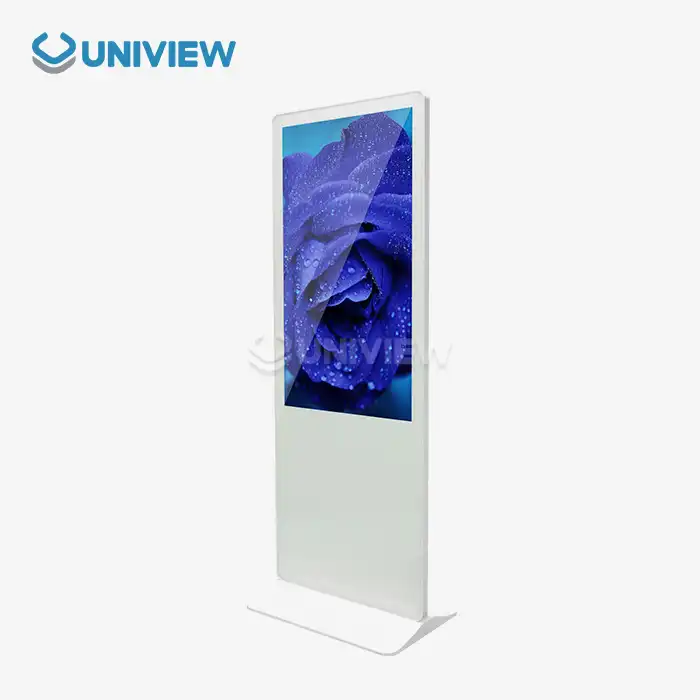
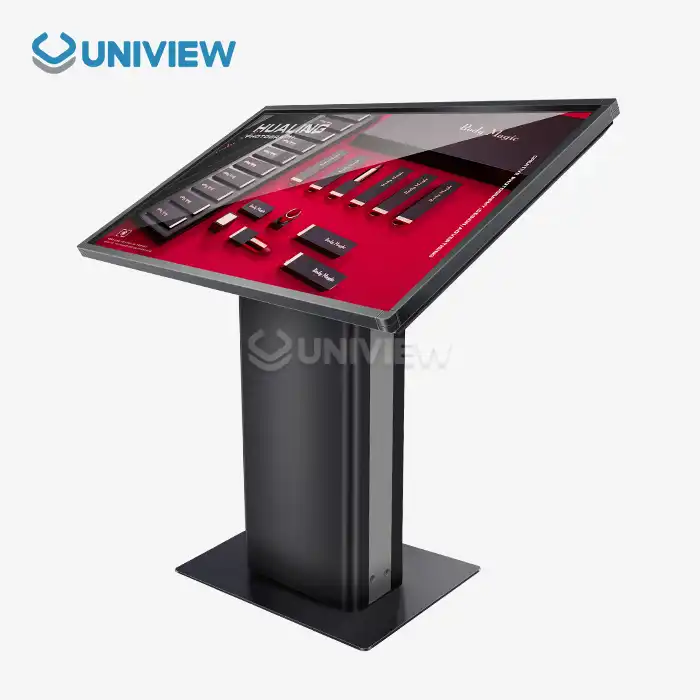
Yes, but it depends on the make and model of the self-service terminal. These automated service points and interactive kiosks have to follow accessibility rules like the Americans with Disabilities Act (ADA), Web Content Accessibility Guidelines (WCAG), and EN 301 549 so that users with disabilities can use them just like everyone else. It is, however, fully compliant with acc. This means that when you choose hardware and software, you have to think about the different needs of people who work in retail, hospitality, transportation, and business. It also means making sure that these choices are put into action the right way.
Understanding Accessibility Compliance in Self-service Terminals
Putting in self-service terminals that are accessible takes into account both the laws and the right thing to do, which has a big effect on how people use them and how many people can use them. Regulations around the world are different. The US follows ADA standards, Europe follows EN 301 549, and other parts of the world follow Section 508. These guidelines set the lowest levels of accessibility that automated service points must meet in order to be usable by people who have visual, hearing, movement, or thinking disabilities.
Laws and Rules
The Americans with Disabilities Act says that people with disabilities must have the same access to goods and services as everyone else. This includes interactive kiosks and automated terminals in stores, transportation hubs, and business buildings. EN 301 549 establishes European accessibility requirements for ICT procurement, while WCAG 2.1 AA guidelines provide comprehensive digital accessibility standards that apply to software interfaces on self-service devices.
The effect of compliance on business
Businesses that make accessible terminals work boost customer engagement, liability exposure, and brand reputation. Making things accessible helps people with disabilities—about 15% of the world's population—while also making things easier for everyone with clearer interfaces and navigation systems that make sense.
Key Accessibility Features in Self-Service Terminals
In a wide range of situations, features that make hardware and software easier to use for people with disabilities work together to make sure that everyone can use them. Procurement professionals can judge which terminals are best for meeting both legal and business needs when they understand these basic parts.
Things to Think About in Physical Design
Accessible terminal hardware is designed in a way that makes it easier for people with a range of physical abilities to use it. The screen has to be in a place where people can use it while sitting or standing, so it usually needs to be able to change its height to anywhere between 15 and 48 inches off the ground. People who are blind or visually impaired can use tactile input methods, like keypads with raised buttons and Braille markings, instead of touchscreen interfaces.
Here are the basic physical accessibility features that compliant terminals must have:
- Two-level interfaces that make wheelchair access and standing operation possible
- The ability to play sound through headphone jacks or induction loops
- Displays with a lot of contrast that can be brightened and dimmed to 2000–4000 nits, so they can be seen outside
- Tactile feedback systems that give haptic responses when people use them
These physical changes make sure that terminals keep working no matter what the environment is like. They also make sure that accessibility standards are met when they are used both indoors and outdoors.
Making software accessible
Software accessibility features make complicated interfaces easier to use for people with a range of abilities. Screen reader compatibility lets assistive tech read text on a screen out loud, and voice command integration lets people with limited mobility use their devices without having to touch them. Multilingual support makes things easier for people with a range of language needs in global markets.
Comparing Accessible Self-service Terminals: Market Options and Trends
The competitive landscape of self-service terminals shows that more and more top manufacturers know about how important it is to make products usable for everyone. To meet changing rules and customer expectations, major companies like NCR and Diebold Nixdorf, and newer tech businesses are adding more accessible features to their products.
Interface Technology: A Side-by-Side Look
Touchscreens are easy to use if you can see them, but people who are deaf or hard of hearing or who can't use their hands need to be able to hear and use other input devices to fully access them. Keypads that you can feel reliably allow for less complex interfaces and visual information. Hybrid methods that use both technologies provide the best range of options for different users and business needs.
Things to Think About When Deploying Indoors vs. Outdoors
The performance of accessibility features changes a lot depending on the environmental factors of each deployment scenario. For outdoor use, screens must be brighter, audio systems must be weatherproof, and tactile controls must be strong and work reliably even in harsh conditions. Indoor deployments can work on making the interface more user-friendly and the lighting better while still keeping the basic accessibility features.
Implementation and Maintenance: Ensuring Long-Term Accessibility Compliance
To be truly accessible, it's not enough to just choose the right equipment. You also need to plan how to install it, keep it working, and help users. Organizations need to make detailed plans for how to prepare the site, train the staff, and keep an eye on compliance all the time.
Installation methods that are strategic
The ease of access is directly affected by where the site and terminal are placed. Clear paths for approach, enough room to move around, and good lighting all help make terminal operation more accessible. During installation, compliance surveys find possible problems and let people fix them before they are put into service.
Regular Care and New Features
Regular software updates add new accessibility features and fix issues that users have reported. Audio systems, touchy-feely controls, and helpful tech interfaces must stay working at all times in the terminal lifecycle. This is only possible if hardware maintenance schedules put accessibility features first. Getting feedback from users gives you useful information that can help you with projects that are meant to make things better all the time.
Challenges and Solutions in Achieving Accessibility Compliance
When businesses try to set up terminal solutions that are easy to use, they run into a lot of issues, like not having the right technology or enough money. A person can make good decisions that follow rules and keep the business running smoothly when they understand these issues and how to fix them.
Technical Problems and Money Issues
It can be hard to add accessibility features when hardware doesn't support them, especially when the goal is to make old terminals easier to use. Issues with software compatibility between helpful technologies and terminal operating systems can lead to gaps in functionality that change how people use them. Changes often have to be made in stages because of budget limits. The first step is to add the most important accessibility features, with plans to add more later.
New Technological Problem-Solving Methods
Adaptive interfaces can automatically change to meet the needs and wants of each user if AI is added. Biometric systems for advanced identification let people with different kinds of physical abilities get in safely. With modular terminal architectures, you can make the system your own and make it easier to use in the future without having to get a new one.
Uniview Commercial: Your Trusted Partner for Accessible Digital Signage Solutions
Uniview Commercial is a professional global maker and supplier of LCD and LED digital signage solutions. They have been making accessible terminals for over ten years. The wide range of products we offer meets the needs of the retail, business, hospitality, and transportation sectors that want more interactive displays that everyone can use.
Our state-of-the-art manufacturing makes high-brightness displays that range from 2000 to 4000 nits. This way, people with sight problems can make sure they can see them clearly, whether they are indoors or outdoors. Each terminal has strong environmental protection with IP65 to IP66 ratings, which keep the accessibility features working even when conditions are tough. Using European surface treatment technology on anti-reflective coated glass gives you very clear pictures and makes the equipment last longer.
Uniview Commercial's promise of accessibility goes beyond our customizable design services, which let businesses make terminals that meet certain compliance standards while keeping the brand the same. Our global support network covers more than 100 countries, offering localized help with both installation and ongoing maintenance.
Conclusion
Making sure that self-service terminal kiosks are easy for everyone to use isn't just the right thing for businesses to do—it's the law. If modern terminals are designed with accessibility in mind, are equipped with the right software, and are supported with ongoing help, they can be fully accessible to everyone. To succeed, you need to choose your vendors carefully, plan how to implement your decisions strategically, and commit to always improving based on user feedback and changing standBuy terminal solutions that are easy to use. These businesses can get more customers, make their brands more well-known, and get long-term benefits over their rivals in a lot of different fields.
FAQ
Q1: Is not using a self-service kiosk illegal?
As per the US ADA, European EN 301 549, and Section 508, self-service kiosks must be user-friendly. These laws require disabled people to use public automated services like others.
Q2: Which software features aid disabled users?
Accessible software must let users change font sizes and contrast. It should work with voice commands, screen readers, and multilingual interfaces. These features make the app easier for cognitive, hearing, and sight-impaired users.
Q3: Does disabled access improve terminal safety?
A: Safe and accessible design can be combined. Disabled people can use PIN pads, biometric authentication, and privacy features more easily without compromising security.
Partner with Uniview Commercial for Accessible Terminal Solutions
Uniview Commercial's digital signage solutions meet accessibility standards and are designed with global B2B procurement needs in mind. They will change the way you do customer service. Our knowledge of making interactive displays with high brightness and durability means that your self-service terminals will meet strict standards for accessibility and performance, no matter where they are used. Uniview Commercial offers the reliability and innovation your business needs. They offer global support 24 hours a day, extended warranties of 3 to 5 years, and the ability to fully customize your products. Learn how our tried-and-true methods can make your business more efficient and make sure that all users have a good experience. Email us at sales@univiewlcdisplay.com to talk about your needs for a self-service terminal supplier and to see the many products we have available.
References
1. U.S. Department of Justice. "Americans with Disabilities Act: ADA Standards for Accessible Design." Federal Register, 2010.
2. European Telecommunications Standards Institute. "Accessibility Requirements for ICT Procurement: EN 301 549 V3.2.1." ETSI Standards, 2021.
3. World Wide Web Consortium. "Web Content Accessibility Guidelines (WCAG) 2.1." W3C Recommendation, 2018.
4. International Organization for Standardization. "Ergonomics of Human-System Interaction: ISO 9241-171 Guidance on Software Accessibility." ISO Standards, 2019.
5. National Institute of Standards and Technology. "Section 508 Compliance Guidelines for Information and Communication Technology." NIST Special Publication, 2022.
6. Rehabilitation Engineering and Assistive Technology Society of North America. "Technical Standards for Accessible Self-Service Transaction Machines." RESNA Annual Report, 2023.