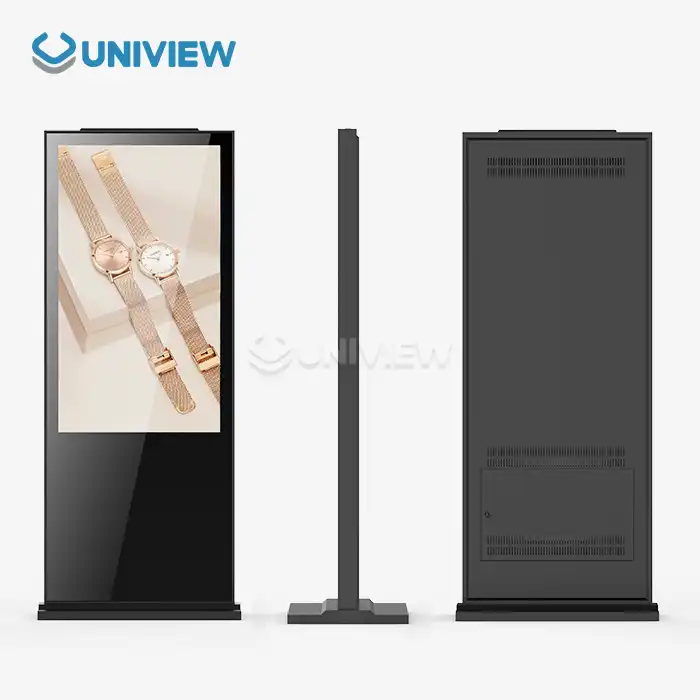
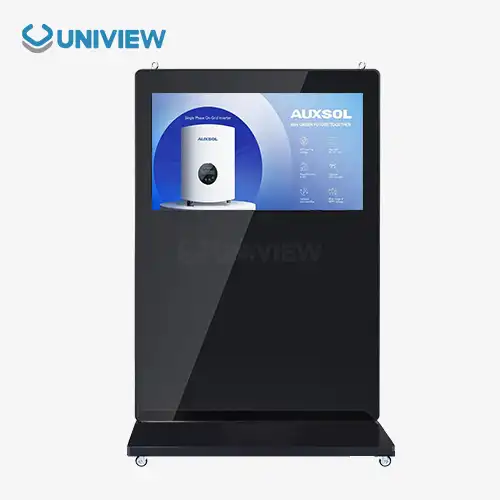
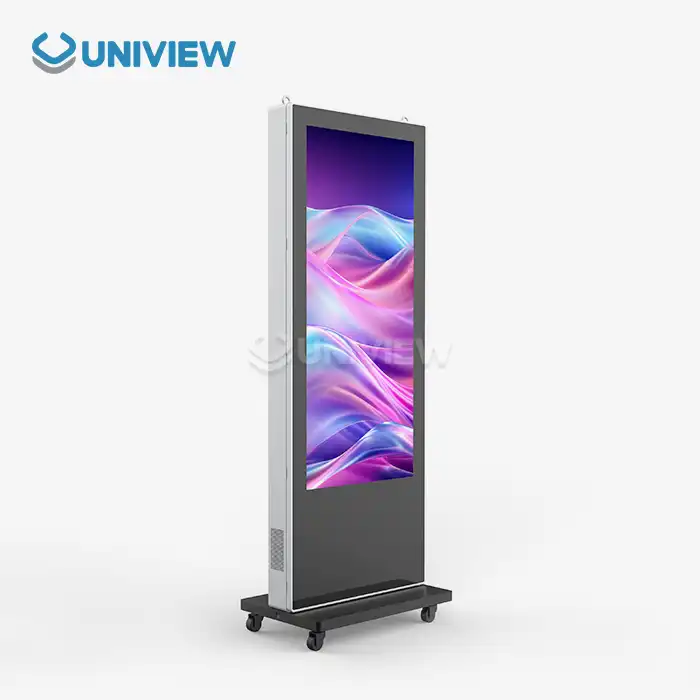
A floor standing digital signage display's software and content management are done through a built-in system of cloud-based platforms, content management systems (CMS), and media players. This setup lets users schedule, remotely control, and make updates in real-time. The display hardware is connected to specialized digital signage software. This software manages the playback timing, delivery of content, and interactive features while also giving admins web-based dashboards and mobile apps for centralized control over multiple displays in different locations.
Understanding the Role of Software in Floor Standing Digital Signage Displays
These days, digital signage software is like the central nervous system: it makes unchanging hardware into interactive ways to communicate. Digital signage software is compatible with a lot of different things, such as operating systems, media player apps, and content management platforms. There are no problems with these working together.
Content Management Systems That Work with Cloud
As web-based content management systems have changed how businesses care for their digital displays, it is now easier for companies to manage them. With these tools, managers can upload, plan, and share content on a lot of different screens, all from the same interface. No matter where you are, the cloud infrastructure makes sure that content updates are done right away. These days' CMS platforms can work with all kinds of content, including pictures, videos, live feeds, and interactive apps.
Linking cloud services to local media players makes your setup stronger, and it will keep working even when the network goes down. Local caching makes sure that playback doesn't stop, and automatic synchronization updates the content when the device is connected to the internet again.
Combining AI and Analytics
When there is AI involved, it is easy to make sure that the right content is shown at the right time on advanced floor standing digital signage displays. The software thinks about who is there and what is going on around them. To make the messages more effective, these systems can change the brightness and rotate content based on when most people are watching and engagement metrics. Machine learning algorithms help figure out when and what visual elements to post to get the most engagement.
Key Features and Workflow of Content Management on Floor Standing Displays
When managing content, you must consider both technical aspects and intended use. Content creation to deployment, monitoring, and optimization are the workflow steps.
Creating and Improving Content
When creating content for vertical displays, consider audience distance, screen resolution, and orientation. Experts use high-resolution, display-specific formats to make digital signs. Content creators must consider text readability, color contrast, and motion graphics that grab attention without tiring viewers.
Content creation includes converting videos to the right format, resizing images to look good, and creating templates that maintain the brand across many platforms. Modern content management systems have editing tools to ensure content consistency.
Strategies for deployment
Planning content posting helps you engage your audience by sending targeted messages at the right times. Stores could show sales ads during shopping hours or brand awareness ads. Transportation hubs can display ads, information, or emergency alerts as needed.
Content is deployed on every screen at the right time using automated systems. Dayparting, seasonal campaigns, and trigger-based content that changes with weather or inventory make scheduling easier.
Integration of Interactive and Touchscreen Software Capabilities
When you and other people use a touch screen or gesture-controlled display, make sure that no one gets hurt and that the system keeps working. This is because they need software that can do all of these things.
Taking Care of the Touch Screen
Touchscreen software for floor standing digital signage displays should quickly register the things people do, and it should be simple for people to learn how to use. Interactive apps, like a basic menu or a more advanced configurator, can help people learn more about products or services. The program can set up accessibility features to make sure everyone can use it, recognize multi-touch gestures, and calibrate touchscreens.
For real-time data integration and updating to happen, interactive content usually has to link to customer databases, inventory systems, or external APIs. At this level of connectivity, the system needs to stay responsive, and private data needs to be protected with strong security measures.
Keeping Data Safe and Protected
Privacy rules protect safe data on how people use interactive displays. When software systems send data, they use encryption. When administrators log in, they use a secure way to prove their identity. They also do regular security updates to fix any problems that might happen. Following GDPR, CCPA, and other privacy laws means giving users control of their data and clear permission.
Installation and Maintenance Considerations for Software and Content Management
Installing the software the right way and doing regular maintenance are important for digital signage to work well.
The system needs to be both set up and started.
Before the network is installed by a professional, they check to see if there is enough bandwidth for software updates and content delivery. Media players are set up, safe links to content management systems are made, and professionals check to see if they work with current IT systems. Creating user accounts, content approval workflows, and automated backup systems are all things that need to be done when you set something up.
While the displays are being updated and monitored, network security makes sure that no one who isn't supposed to be there can get to the displays. Firewall rules, access control lists, and VPN connections make sure that only certain people can change the content schedules or display settings.
Support and Take Care of for a Long Time
Making sure that everything keeps working well means installing software updates and security patches often and watching how it performs. Remote monitoring systems keep an eye on how well content delivery works, the hardware, and the condition of the displays. Automated alert systems tell managers about possible problems so they can fix them before they happen.
As part of the maintenance process, content auditing is done to make sure the messages stay useful and current. Regular performance reviews look at engagement metrics, figure out how to do better, and plan how to make content in the future.
Choosing the Right Software and Content Management Solution for Your Business Needs
It takes a lot of thought about present needs and future growth plans to pick the right software. The people who make the decisions need to think about functionality, ease of use, scalability, and total cost of ownership.
How to Get This to Work with Other Stuff?
Before installing any software on your computer, make sure that your hardware can run it. The program can provide changing, data-driven content, but only if it can work with systems that businesses already have, like registers, inventory management software, and customer relationship management tools.
The API and custom development options make it possible to meet the needs of all kinds of businesses. You don't have to replace the whole system to add apps from other companies or get newer technology when you use open architecture systems.
Support and Scalability: Things to Think About
Planning for growth with floor standing digital signage displays needs software that can handle more and more displays, users, and complex content without taking longer. Most of the time, solutions that are hosted in the cloud are easier to scale than systems that are hosted on-site. They also make sure that costs are in line with your needs by using pricing models that are based on how much you use things.
Long-term success depends a lot on the quality of vendor support. Comprehensive support includes help with tech issues, training on how to use the software, and frequent updates that add new features and make the software safer. With global support, you can get help no matter what time zone or language is used in international deployments.
Uniview LCD's Floor Standing Digital Signage Solutions
Uniview Commercial is a top maker of cutting-edge digital display technology. The company offers a full range of solutions that pair high-quality hardware with complex software platforms designed for a wide range of industry uses.
High-Level Software Integration
Uniview LCD displays come with content management software that makes it easier to deploy and lets users customize their displays in many ways. Our platform supports multiple types of content, has easy-to-use scheduling tools, and includes analytics features that help you get the most out of your messages. The software architecture makes sure that it works with popular third-party CMS platforms and also provides unique tools that are designed to work with our hardware.
Our promise to software excellence goes beyond the first installation. We do regular updates that add new features and keep security standards high. During the entire product lifecycle, technical teams give constant help to make sure it works as best as it can.
Wide-Ranging Support Services
Uniview Commercial's approach includes full installation services, user training, and technical support around the clock to make sure everything runs smoothly. Because we are in more than 100 countries, we can deliver support locally while keeping the quality the same everywhere. Long-term investments feel safer with the extra 3 to 5 years of warranty coverage and full insurance protection.
Conclusion
Software and content management systems are the basis for good floor standing digital signage display. They make it possible to deliver dynamic content, manage remotely, and optimize signage based on analytics. Success depends on picking platforms that are functional and easy to use, and that also make sure you can grow with them in the future. How much digital signs are worth in the long term depends on how well they work with others and their security and interactivity features. The quality of professional installation, ongoing maintenance, and vendor support has a big effect on operational success and return on investment.
FAQ
Q: Floor stand digital signage software can display what files?
A: Today, digital signage software can handle MP4, AVI, MOV, JPEG, PNG, HTML5 interactive content, RSS feeds, and real-time data streams. Newer systems play 4K video and make animations that look good in bright light.
Q: Can you remotely control multiple screens?
A: Cloud-based content management systems let you control displays across large areas from one location. Administrators can update content, check display status, and change settings on any internet-connected device. This ensures message consistency everywhere.
Q: Update digital sign software how often?
A: Security and feature updates should be done monthly and quarterly, respectively. Important security updates should be installed now. Big updates can be scheduled when no one is using the system, so no one has to stop.
Partner with Uniview Commercial for Superior Digital Signage Solutions
Uniview LCD's digital signs are the newest and best in hardware and software, and they are put on the floor. They can help you communicate with your customers better. Our team of experts givesves personalized advice to figure out the best setup for your needs, whether you need displays that can withstand the elements outdoors or interactive installations for indoors. Uniview Commercial provides dependable options that will get you the most out of your investment. They have a history of success in many different fields, offer a broad range of support services and extended warranty coverage, and are always there when you need them. Are you ready to change the wayDo you email people? Emailing sales@univiewlcdisplay.com can start a conversation about your project's needs and how this reliable manufacturer of floor-standing digital sign displays can help.
References
1. Digital Signage Federation, "Content Management Best Practices for Commercial Displays," Industry Standards Report, 2023.
2. Smith, Robert J., "Interactive Display Technologies: Software Architecture and Implementation," Journal of Digital Media Technology, Vol. 15, 2023.
3. International Display Research Association, "Cloud-Based Digital Signage Management Systems: Performance and Security Analysis," Technical Review, 2023.
4. Chen, Michael K., "Integration Strategies for Enterprise Digital Signage Networks," Commercial Display Magazine, Issue 8, 2023.
5. Digital Media Solutions Institute, "Maintenance and Lifecycle Management of Commercial Display Systems," Professional Guidelines, 2023.
6. Johnson, Sarah L., "Software Selection Criteria for Large-Scale Digital Signage Deployments," B2B Technology Review, Quarter 3, 2023.