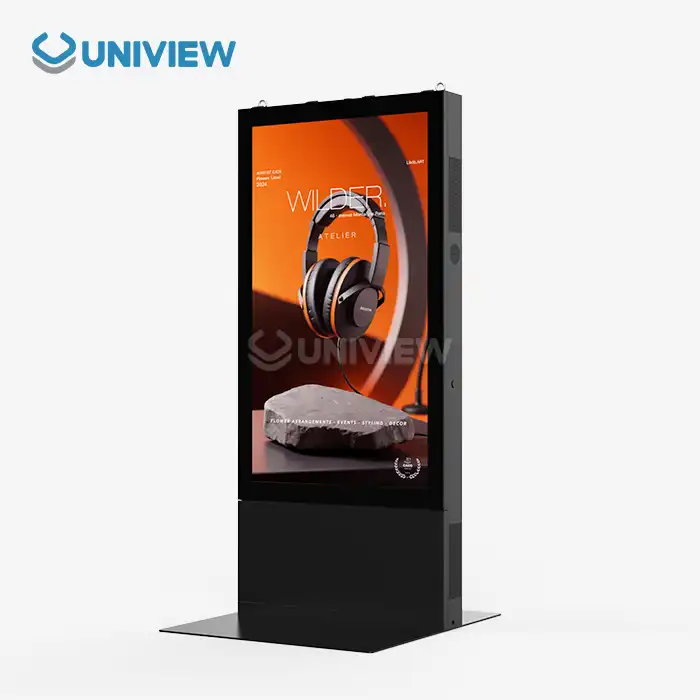
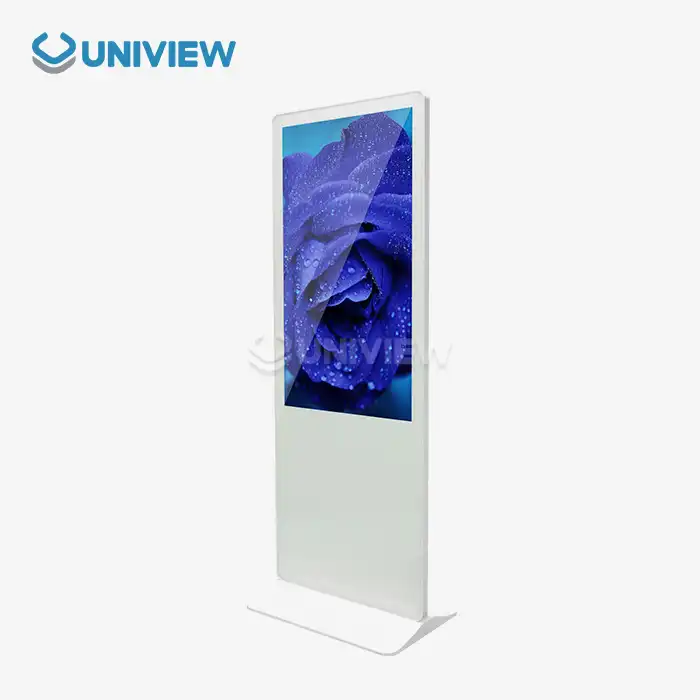
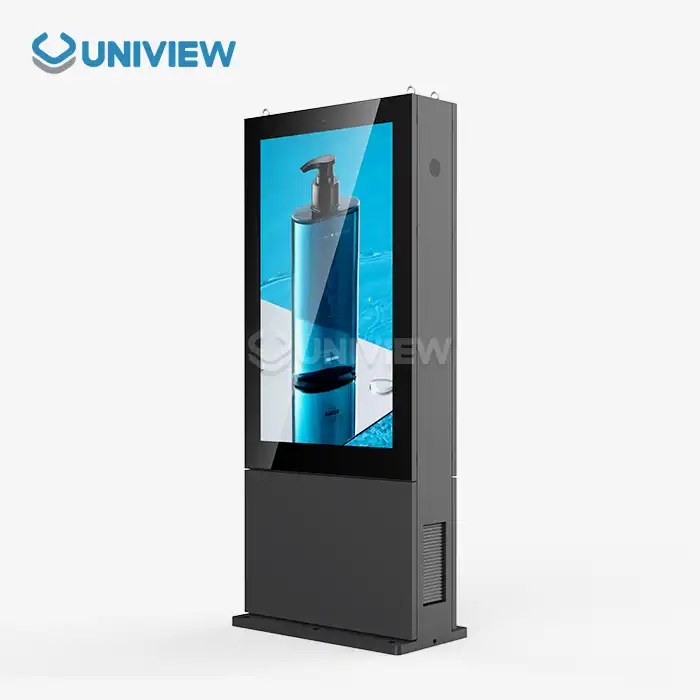
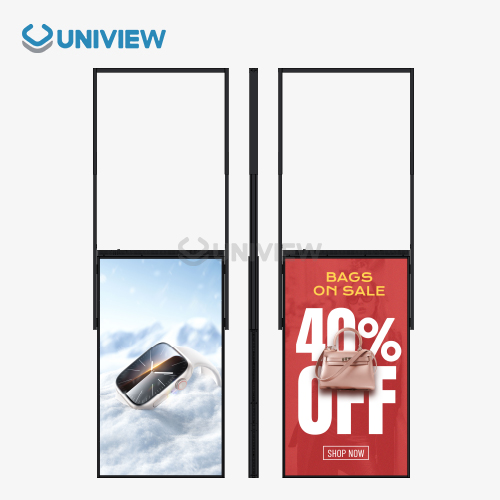
A complex system of interconnected technologies makes it possible for a stand-alone digital display to easily manage, schedule, and monitor software and content. The embedded OS, content management software (CMS), cloud connectivity modules, and user interface platforms that work together to show changing visual content make up most of the system. Today's free standing digital displays use centralized management platforms that let managers upload, schedule, and share content on several displays at the same time. These platforms also let managers check on displays and see performance data in real time to make sure they are working efficiently.
Understanding the Software Architecture Behind Free Standing Digital Displays
Digital signage software architecture is a complex mix of different technological layers that work together to create interesting visual experiences. At their core, operating systems and embedded firmware are the basic software that manages a computer's hardware resources and makes sure it runs smoothly, no matter what conditions it is in.
Core System Parts and How They Work Together
As the main hub for all digital signage activities, content management systems handle the intake, processing, scheduling, and display coordination of content with great accuracy. These systems are designed to support a range of file types at the same time, while always meeting the expected performance standards. Device management software runs in parallel, keeping an eye on the health of the hardware, the status of the connectivity, and the performance metrics of the system to keep things running smoothly.
The ability to network and integrate the cloud makes it possible to fully manage devices from afar. This lets companies install updates and keep an eye on system performance across all installations worldwide without needing to send technicians to do it in person. This architecture makes sure that messaging stays up to date and in sync at all deployment locations, even in real time.
Improved Scheduling and Safety Features
Today's advanced scheduling tools can create playlists, deploy content at predetermined times, and synchronize displays for coordinated messaging campaigns for free standing digital display. Multiple protective features are brought together by security layers. These include user access controls, data encryption standards, and thorough malware protection systems that keep private business information safe and stop people who aren't allowed from getting in.
Key Features of Content Management Systems (CMS) for Free Standing Digital Displays
Today's CMS platforms are made to work for both procurement and technical teams. Their dashboards are easy to use and make it easier for many people to work together. They also have advanced permission systems that are based on roles. While focusing on user experience, these platforms keep business-level functionality and security standards in mind.
Media Compatibility and What You Can Use
To meet the needs of a changing business, it is still important to be able to work with a lot of different types of media and interactive content. Newer systems can handle HTML5 apps, video files, real-time data feeds, and interactive multimedia content that makes people more interested. IoT sensors and interactive features such as touch screens, QR code scanners, and NFC technology can be used to make content more personal in a more advanced way. This can make the user feel like they are really in the experience, which will lead to meaningful interactions.
Data and Monitoring Performance
More sophisticated instruments for study and performance tracking give you in-depth data about content performance, its online frequency, and the system's general health. These features allow decisions to be made based on data and support proactive maintenance plans that get the most out of procurement investments while making sure that operations always run smoothly.
Comparing Software and Content Management Solutions in the Market
There are a lot of different CMS software programs, each with their own pros and cons for different types of organizations. To choose the right one, you need to really look at all of your options. There are many different choices in the market, including private business platforms and flexible open-source versions. They all have different things about them that change the way they can be used.
Software: Owned vs. Public
When established businesses offer proprietary software, it normally has a lot of features and great technical support. But companies need to think about licensing fees and the chance of becoming dependent on the vendor. Open-source CMS solutions are affordable, flexible, and customizable. But, they might need more technical knowledge to get them working and keep them in good shape.
How to Use Integration Features and Deployment Models
If you need to use a CMS platform from anywhere in the world, cloud-based solutions are great because they can adapt to your needs and let you use them from anywhere. On the other hand, if you need to use a CMS platform in a sensitive industrial setting, on-premise solutions are better because they give you more control and security. If you have strong APIs and SDKs, you can connect with business systems like ERP, CRM, and supply chain management platforms. This makes sure that procurement and workflow automation work together.
Best Practices to Optimize Software Management and Content Deployment
In global B2B settings, effective software management means using centralized control systems that help regional content localization and full multi-language adaptation options to make content workflows more efficient. These methods make sure that the message stays the same while also making sure that different cultural and language needs are met in markets around the world.
Automating Version Control
Automation tools handle repetitive tasks for free standing digital display and utilize advanced version control systems that ensure content accuracy and timely publishing. This greatly lowers the amount of work that has to be done by hand. Regular software updates, whether done through scheduled maintenance windows or real-time patch deployment, keep the system safe and stable while causing as little disruption to the business as possible.
Infrastructure for Training and Help
Comprehensive training programs and documentation that is backed by the vendor help procurement and technical teams make the most of what the platform can do. This helps get the most out of investments in technology. Strong backup and rollback systems are important safety nets that protect against data loss and system failures. Community forums and dedicated support channels make it easier for users to share knowledge and solve problems together.
Uniview Commercial: Your Trusted Partner for Advanced Digital Signage Solutions
Uniview Commercial is a top company around the world that makes and sells LCD and LED digital signs that are designed for tough B2B buying markets around the globe. Our full portfolio features tailored software solutions and advanced content management systems that are designed to work together, be easily customized, and grow to meet the needs of a wide range of industries.
Better technical specs and product quality
Our digital signage solutions use the latest technology, such as dependable systems for cooling and environmental simulation features that let the signs be used in tough conditions for long periods of time. Our products also meet strict international standards from Europe, the United States, and Japan. We use high-quality offline coated AR glass technology that provides very clear images with amazing brightness levels from 2000 to 4000 nits. This makes sure that you can see perfectly in any lighting situation.
Even in challenging outdoor environments, these high-tech free standing digital display units operate quietly at only 60 dB and feature comprehensive waterproof and dustproof ratings from IP65 to IP66. Our products use European surface treatment technology to build advanced resistance to corrosion. They also have two-layer anti-theft systems and certified 16-level wind resistance ratings, so you can count on them to work in a variety of settings.
Wide-ranging help and support around the world
Our service offerings include expert installation, proactive remote monitoring, preventive maintenance contracts, and extensive training programs. These are all designed to make sure that the system continues to work well throughout the product lifecycle. We offer great 24-hour global support and extended warranties of 3 to 5 years with full quality coverage through the China Pacific Insurance Company and other well-known third-party underwriters.
Conclusion
Digital signage for free standing digital display requires sophisticated software and content management systems to ensure organizations maximize visual communication effectiveness through operational efficiency and enhanced user engagement. Understanding how things are built, looking at the solutions that are out there, and using the best methods will make sure that things work perfectly and succeed in the long term. Content management systems (CMS) have become flexible and functional enough to meet a wide range of business needs. They also support growth and make sure that businesses run efficiently. Using advanced analytics, security features, and remote management capabilities turns regular signs into interactive, data-driven communication platforms.
FAQ
Q: What kinds of files can free-standing digital display software show?
A: Modern digital signage software works with a wide range of media formats, such as videos (MP4, AVI, MOV), pictures (JPEG, PNG, GIF), HTML5 apps, interactive content, QR codes, and real-time data feeds. This lets businesses use rich multimedia content in a lot of different settings.
Q: Can I use one platform to control several displays from far away?
A: Yes, modern CMS solutions offer centralized remote management features. This means that procurement and IT teams can control multiple displays at the same time, plan when to update content, keep an eye on device health, and do system maintenance from anywhere in the world using secure cloud-based platforms.
Q: How safe is it to upload content and plan when it will be shown on these screens?
A: As long as the software is used, security is still very important. It protects against people who shouldn't be there and makes sure that the content is correct. This is done by role-based access controls, data transfers that can't be read, strong user authentication, and full malware protection.
Transform Your Business with Uniview Commercial's Advanced Digital Signage Solutions
Uniview Commercial's new digital signs and full software solutions will help your business make better visual communications. As a trusted supplier of free-standing digital displays, we offer customized systems that are designed to meet your exact needs while also performing exceptionally and being reliable. Our professional team will help you with everything from the first meeting to installation and ongoing maintenance. We will make sure that everything works well with what you already have in place. Ready to find out how our state-of-the-art content management systems can change the way you set up your digital signage? If you'd like to get a detailed quote and set up a showing with just one person, please email us at sales@univiewlcdisplay.com.
References
1. Digital Signage Federation. "Content Management Systems: Best Practices for Enterprise Deployment." Industry Standards Report, 2023.
2. Miller, Robert and Johnson, Sarah. "Software Architecture Principles for Digital Display Networks." Journal of Digital Communications Technology, Vol. 45, 2023.
3. Chen, Wei and Anderson, Michael. "Security Considerations in Modern Digital Signage Systems." International Conference on Visual Communication Technologies Proceedings, 2023.
4. Thompson, Lisa. "Comparative Analysis of Proprietary vs. Open-Source CMS Platforms for Digital Signage." Technology Review Quarterly, Issue 3, 2023.
5. International Digital Signage Association. "Global Deployment Strategies for Enterprise Content Management Systems." Annual Research Publication, 2023.
6. Rodriguez, Carlos and Kim, Jennifer. "Performance Optimization Techniques for Multi-Display Management Platforms." Digital Media Technology Journal, Vol. 28, 2023.