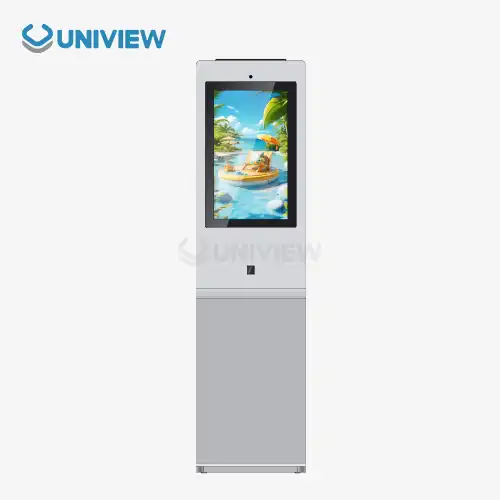
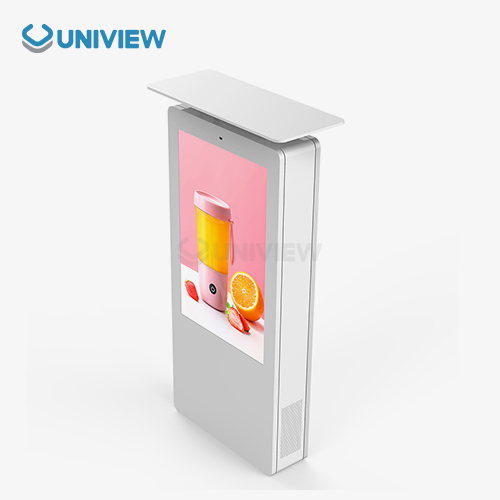
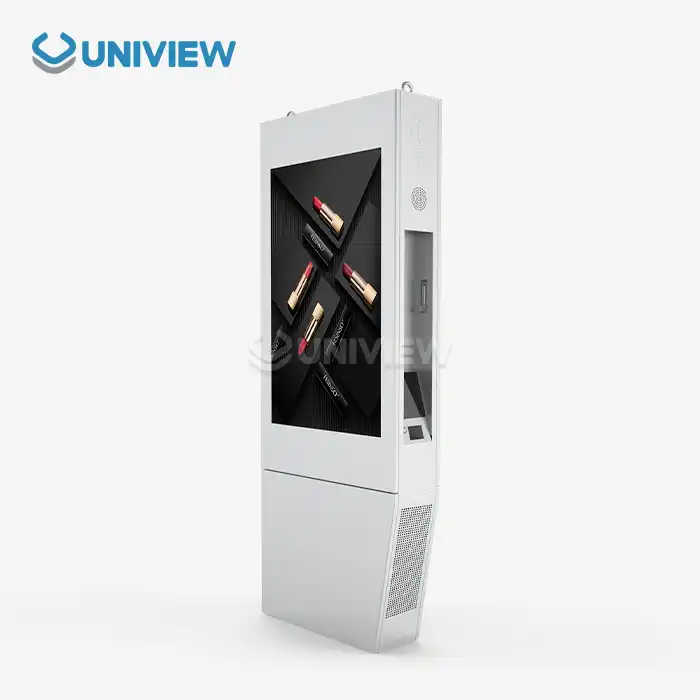
Wall mount LCD displays for video walls are a high-tech way for businesses to change how they communicate, advertise, and interact with their audiences. These specialized screens use high-tech LCDs and advanced mounting systems to create beautiful displays that will keep people interested and are very reliable. Today’s video wall systems that use wall-mounted LCD displays are the most flexible option available. They let businesses adjust their visual communication strategies in a wide range of settings, from retail showrooms to corporate command centers.
Understanding Wall Mount LCD Displays for Video Walls
Today's workplaces need advanced tools for visual communication that can be used in a variety of ways while always meeting high standards. Wall mount LCD displays have become the most important technology for making really cool video wall setups that can be used in a lot of different fields and for a lot of different reasons.
What Is an LCD Display That Is Wall-Mounted?
Wall mount LCD displays are a type of digital signage that is made just for safe mounting on walls, poles, or custom structures. These displays have professional-grade parts and reinforced chassis construction. Their mounting interfaces make sure that the installation is stable, even in tough environments. Wall mount LCD displays for business use better withstand continuous use; they have longer lifespans and better parts compared to consumer monitors.
Video wall applications use these displays to make sure that there are no breaks in the visuals seen in stores, business lobbies, control rooms, and transportation hubs. The displays have high-tech picture processing features that let multiple screens show the same image at the same time. This creates a single visual presentation that grabs people's attention and shares information clearly.
Wall-Mounted LCD Screens That Work Well for Video Walls
Choosing the right mounting solution and display configuration has a big effect on how well the video wall works and how easy it is to install. Knowing the choices helps companies make smart choices that are in line with how they run their business.
In places where the display position doesn't change, fixed mounting systems are great for providing strong, long-term installation options. These mounts provide the most stability and security while making the installation process easier and cheaper. In stores, offices, and public places where the display stays at the same angle for everyone, fixed mounts work great.
Mounting systems with adjustable arms make it easier to change the position of your display so that you can see it better and make it easier to get to for maintenance. These systems can be reconfigured later on and make it possible for multiple displays to line up exactly. While flat panels with rectangular layouts that work for most business uses are more common, curved panel displays make for more immersive viewing experiences that draw people into the content.
The range of display sizes includes small 32-inch units for showing detailed information and large 86-inch panels for the most visual impact. Businesses can make video walls that are just right for their content and space by using aspect ratios like 16:9, 21:9, and custom setups.
Advantages of Mounting LCD Screens on the Wall in Video Wall Configurations
Setting up wall mounts for LCD screens in video wall configurations provides a lot of benefits that go beyond just making it easier to see. These benefits have a direct effect on how well the business runs, how interested the audience is, and the long-term return on investment.
One of the main benefits of wall mounting is that it saves space by not taking up any floor room and making the installation look clean and professional. This method makes the most of valuable space in stores, offices, and public places where every square foot matters.
Better viewing angles make sure that the image quality stays the same over a large area, so people with different viewing positions can see the image without it getting worse. No matter what angle they're viewed from, professional-grade LCD panels keep the colors true, the brightness consistent, and the images sharp, making sure that everyone who sees them gets the best possible picture.
Installing wall mounts makes things look better, which creates a modern and classy look that is good for the brand and makes the company look professional. A clean look that makes the space more appealing can be achieved by managing cables well, lining things up perfectly, and making sure that architectural features are part of the overall design.
Key Considerations When Selecting Wall Mount LCD Displays for Video Walls
For a video wall to work well, it is necessary to go over the technical details, installation needs, and operational settings that affect system performance and lifespan. People can make good decisions that lead to the best outcomes and avoid making mistakes when they know these important things.
How to Choose the Right Size and Resolution for Your Video Wall
When it comes to picking the right display size and resolution, it helps a lot to know what the industry standards are. These choices will keep the pictures clear and make them look more interesting. The Society for Information Display says that people should stay 1.5 to 6 times the length of the display diagonal away from it to make viewing easier and to get a better sense of the image.
When a video wall's multiple screens work together to make a single picture, the resolution of each screen needs to be taken into account. 4K displays have a lot of detail, and you can look at them up close without seeing the pixels. With 4K resolution, ultra-high-definition content looks much better, particularly in areas where people closely view screens.
Sizing for displays must take into account how far away people will be, what type of content will be shown, and how the display will fit in with the building. Larger screens create a more dramatic effect, but you have to watch them from farther away to keep the viewing comfort. The best size is also affected by how complicated the content is. For instance, bigger text is better for information displays that have a lot of detail.
Understanding Display Features that Affect Video Wall Performance
Technical details have a direct impact on how well video walls work in different places. If companies understand how these features work, they can pick displays that are best for their own special circumstances.
You can still see clearly when there is a lot of light around, like in stores, at the airport, or when the display is outside, because it's as bright as 2,000 to 4,000 nits. Images look deeper and more colorful with high contrast ratios. This makes things look more interesting, which will draw in and hold the audience's attention.
Narrow bezel designs close up the gaps between screens that are next to each other, which helps make video wall presentations more seamless. Images can be shown on several screens at the same time if the distance from bezel to bezel is less than 3.5 mm, since there won't be much space between them. This adds to the overall impact of big content presentations.
HDMI, DisplayPort, and network interfaces are connectivity options that come with the system and make it easier to share content and manage the system. LED backlighting uses less energy, which saves money, and keeps the same brightness level even when the lights are on for a long time.
Video Walls: Various Types of Wall Mounts and How to Put Them Up
It is easier to install and harder to keep up with upgrades when you choose a mounting system. Each mounting method has its own pros, which are best for different needs and situations.
Fixed mounting systems give the best stability and security for displays that are not meant to be moved. These systems offer great support for heavy display arrays, cut costs, and simplify installation.
While they are more difficult to install and costly upfront, articulating arm systems allow for more exact changes in position and better access for maintenance. The added bendability helps in areas where the display's position might need to be changed later or where it's necessary to be able to get to the display for upkeep.
Installation and Maintenance Best Practices for Wall Mount LCD Video Walls
If a video wall system is installed correctly and gets regular maintenance, it will always work the way it is supposed to. Following best practices avoids common problems and gets the most out of investments.
How to Install Wall-Mounted LCD Screens in Video Walls: A Guide
Planning before installation begins lays the groundwork for a video wall that works well. Site surveys find out what kinds of structural support and power and cable routing needs there are. These all affect how hard and expensive the installation is. Correct mounting point locations and measurements keep installation delays from happening and make sure the display is lined up correctly.
Professionals use special tools and safety gear to safely and securely install big displays. Correctly installing something in a way that meets safety standards and the manufacturer's needs requires the right tools for lifting, mounting, and measuring.
Calibration procedures make sure that all of the screens on the video wall match up with each other so that there are no breaks in the image. By matching color temperature, balancing brightness, and aligning geometry, a smooth image is shown that looks like a big display instead of several separate screens.
Wall Mount LCD Video Walls: Common Ways to Fix Them
Mounting hardware that isn't consistent or structural settling over time can cause problems with display alignment. Regular checks and adjustments for alignment keep the visual flow going across different displays. Most alignment issues during the first setup are avoided when professional tools and methods are used.
Most of the time, when you have trouble connecting, it's because of your cables, your signal, or your inputs. Systematic troubleshooting methods find and fix these problems quickly, which reduces how long the system has to be offline in important applications.
If you have screen uniformity problems, it could be because of calibration drift or component aging. Regularly checking the accuracy of these systems and doing routine maintenance on them can fix these problems before they affect visual performance or the audience's experience.
Maintenance Advice for Long Life and Great Performance
A regular cleaning schedule gets rid of dust and other harmful materials that lower the quality of images and the performance of components. Professional cleaners use special products and methods that protect display surfaces while keeping the best light transmission and color accuracy.
Firmware updates make systems safer, faster, and more capable. Update procedures that are scheduled ahead of time make sure that systems stay up to date without interrupting ongoing work.
Preventive maintenance inspections find problems before they cause the system to break down. Regularly checking on mounting hardware, cable connections, and display performance indicators is a way to do maintenance ahead of time so that you don't have to pay for downtime.
Comparing Wall Mount LCD Displays for Video Wall Applications
Understanding the differences between display technologies and mounting solutions helps businesses choose the best setups that meet their needs and budget.
LCD Displays Wall Mount vs. Desktop Screens for Video Walls
Wall mount lcd display for businesses have features that make them more durable, longer warranties, and ways to install them that desktop monitors don't have. These displays can handle long periods of use and tough conditions that would quickly break down equipment made for consumers.
When it comes to big video wall setups, it's easy to see the benefits of scalability when commercial displays provide standardized mounting systems, consistent performance specs, and the ability to calibrate all displays together. Desktop monitors don't have the professional features or consistency that makes multi-display installations easy to set up.
Which Is Better: A Fixed Or An Adjustable Arm Mount?
Fixed mounting systems are great for permanent installations where the display position doesn't change and stability is very important. These systems provide strong support for heavy display arrays while lowering costs, making installation easier, and cutting down on the need for maintenance.
While adjustable arm mounts make positioning easier and improve access for maintenance, they also make things more complicated and require a higher upfront cost. The extra flexibility is useful in places that need to be changed often or where things are always changing.
The Good and Bad Things About Curved and Flat LCD Displays for Video Walls
Curved screens make it feel like you are part of the picture, which makes people more interested in what they are watching and helps the content have a bigger effect. The curved shape makes the viewing distance more consistent on wide screens, which makes the image more even for people who are directly in front of the wall.
Flat panel setups provide standard rectangular shapes that work with most types of content and building needs. It is easier to do multi-display alignment with flat panels because bezel management and geometric alignment work with simple rectangular shapes.
Strategic Procurement Guide for Wall Mount LCD Displays in Video Wall Projects
Video wall projects get the right kind of technical support, warranty coverage, and ongoing service when procurement strategies are used. This protects long-term investments and makes sure the system works reliably.
How to Find Professional Wall-Mounted LCD Display Suppliers
When evaluating suppliers, it is important to focus on technical knowledge, service capabilities, and manufacturing quality that can help with the setup of complex video walls. Suppliers show what they can do by getting certifications, writing case studies, and getting references from similar projects.
As system downtime directly affects business operations, technical support and warranty provisions become very important when buying a video wall. Broad warranty coverage and quick technical help lower risks and make sure problems are fixed quickly when they happen.
Price Comparison and the Benefits of Buying in Bulk
Video wall projects with a lot of panels often get volume pricing, which keeps the quality high and lowers the cost for each panel. Negotiations for bulk purchases should find a balance between saving money and getting technical specs, warranty terms, and delivery schedules that are right for the project.
It is important to keep quality in mind during the entire procurement process because displays that are lower quality lead to higher long-term costs because they need more maintenance, don't last as long, and don't perform as well.
When and How to Think About Custom Orders for Wall-Mounted LCD Displays
When standard products can't meet special building needs, environmental conditions, or operational parameters, custom display specifications have to be used. Custom solutions take longer to get and cost more, but they work best in specialized situations.
Things like lead time affect when projects are scheduled and may affect who is chosen as a supplier, especially when installations need to be done quickly. A better project plan with less risk of delay can be made by knowing about manufacturing and logistics timelines.
Uniview Commercial: Your Trusted Partner for Professional Video Wall Solutions
Uniview Commercial is a top LCD and LED digital signage manufacturer that changes how businesses communicate in a wide range of fields. Our promise to excellence motivates us to create new wall mount LCD display technologies that go beyond the norm in our field while still offering great performance and reliability.
Our Company
Uniview Commercial has been working on digital signage for over ten years and has made a name for itself in over 100 countries and regions. We've built up a lot of knowledge about wall mount LCD display technology by doing research and development work that takes into account changes in the market and new opportunities to use technology.
Our promise to innovation can be seen in the new features that include dependable systems for dissipating heat, environmental simulation testing for extreme conditions, and adherence to global standards from Europe, the United States, and Japan. These new technologies make sure that our products always work well, no matter where they are used.
Our Video Wall Product Range
Uniview Commercial offers a full range of wall mount LCD displays for professional video wall applications. The displays come in sizes from 32 inches to 86 inches. Our displays have very high brightness levels, from 2000 to 4000 nits, which makes sure that you can always see them clearly, even when the lighting isn't great.
The technical specs include offline AR glass with a great coating that provides very clear pictures, noise levels of only 60 dB, and strong protection against dust and water with IP65 to IP66 ratings. European surface treatment technology helps resist corrosion, and the double-layer anti-theft security features give extra protection to valuable installations.
Value-added services include the ability to customize things, help with professional installation, and long-term service contracts that are tailored to the needs of individual customers. Our committed support teams make sure that projects run smoothly from the first meeting to the ongoing help with operations.
Why You Should Work with Us on Your Video Wall Projects
Our history of successfully working with global B2B clients shows that we can deliver video wall solutions with high standards and short project timelines. A range of flexible procurement options can help maintain quality standards while working with a variety of budget constraints.
China Pacific Insurance Company's long warranty of 3 to 5 years, 24-hour global online support, and full quality coverage gives people peace of mind for important installations. With dedicated account management, you get personalized service for the whole project lifecycle.
Conclusion
The most basic part of modern video walls is the wall mount LCD display. These help businesses communicate better, connect with their audiences, and make their brands more visible in a wide rangeof industries. Understanding technical specifications, how to install the system, and how to best take care of the system makes sure that deployments work well, give long-term value, and. do their jobs reliably. Professional buying methods and partnerships with suppliers give the help that complex video wall projects need to meet strict operational requirements without going over budget.
FAQ
What video wall size and resolution works best?
Business video walls usually use 55–75-inch 4K screens. This improves visibility in conference rooms, lobbies, and presentation rooms. What people watch and how far away they are will determine the best setup. Larger screens are better from 8 to 15 feet away.
How hard is it to install a wall-mounted LCD video wall yourself?
Professionals should install video wall systems. They must be safe, well-aligned, and beneficial to users. Most home users can't lift, mount, or fine-tune big screens.
What can you do to prolong video wall performance?
Regular maintenance includes calibration checks every three months, monthly cleanings, and professional checks once a year. Working to keep the system running and avoid costly downtime involves installing new firmware, checking cables, and installing mounting hardware.
Ready to Transform Your Space with Premium Wall Mount LCD Displays?
Uniview Commercial's professional wall mount LCD display solutions are made for tough video wall applications and will change how your business communicates. Our professional team offers full support, from the first meeting to installation and ongoing maintenance. This ensures your investment gets great results. As a trusted manufacturer of wall mount LCD displays, we offer custom solutions that meet your needs while keeping the quality high. To talk about your video wall project and learn how our cutting-edge tech can help your business, email us at sales@univiewlcdisplay.com.
References
1. Johnson, M. "Digital Signage Technology and Video Wall Applications in Modern Business Environments." Journal of Professional Display Technology, 2023.
2. Chen, L. et al. "LCD Display Technology Advances for Commercial Video Wall Systems." International Conference on Display Engineering, 2023.
3. Anderson, R. "Installation Best Practices for Large-Scale Video Wall Configurations." Commercial AV Installation Guide, 2022.
4. Williams, S. "Comparative Analysis of Wall Mount Display Technologies for Professional Applications." Display Industry Research Report, 2023.
5. Thompson, K. "Maintenance Strategies for Commercial LCD Video Wall Systems." Professional Display Maintenance Handbook, 2022.
6. Davis, P. "Procurement Guidelines for B2B Digital Signage and Video Wall Projects." Business Technology Investment Review, 2023.